
OFFICE CONFIGURATION & HANDOVER
Installed.
Who holds administrator rights?
A Wi-Fi password is not the whole handover. Start with the accounts, documents and tasks of the person taking responsibility.
From the existing system and supported permissions to practical tasks, records and quotation scope.
Discuss your handover needs
Use the inventory and current conditions before defining intervention.


Office System Configuration and Handover
Installed. Who holds administrator rights? Discuss accounts, records, the recipient’s tasks and configuration–handover scope for the system already in use.
Key highlights
- check_circleClarify account holders and recovery information
- check_circleConnect configuration and records with the workflow
- check_circlePractise tasks within assigned permissions
- check_circleReview work scope and items before quotation
Installed. Who holds the administrator account?
Your office has a network, cameras or door management equipment. But when responsibility changes, configuration needs to be found or support is needed, do you know who holds the main account and where the documents are? For a manager accepting a new system or taking over from another provider, these questions belong alongside equipment acceptance.
VinaTech Telecom discusses configuration and handover from the existing system, the tasks the recipient needs to perform and the permissions assigned. This article focuses on company offices with an operations contact or someone handling IT alongside other duties. Functions, documents and technical intervention depend on the actual system.
1. Tell us what you are taking over
Is this a new installation, a change of manager or a change of support provider? Each situation has different inputs. The equipment and software list, available documents, authorised decision-maker and unresolved tasks are starting points for the review discussion.
For an existing system, we review what is in use before proposing retention, adjustments or additions. Taking over requires the appropriate authority. Vendor-supported account recovery and resetting a device are different operations; a reset can affect its current configuration. Missing permissions or documents need to be recorded and coordination clarified before intervention.
2. Clarify the main account, operating rights and support access
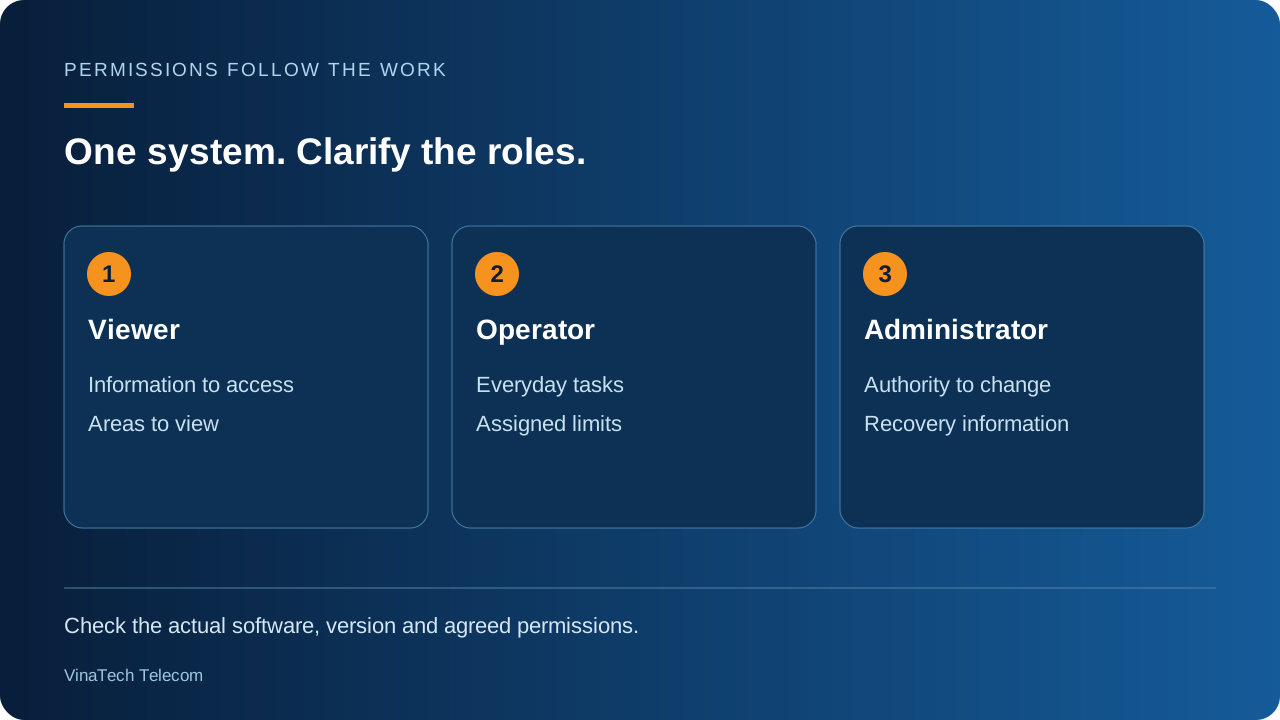
A viewer, everyday operator and administrator may require different permissions. We check the roles supported by the actual equipment, software and version, then discuss who receives each role. A shared administrator login is not the assumed arrangement for all users.
Establish which person or organisation holds the main account, who receives recovery information and who may authorise changes. Company accounts are transferred to an authorised recipient. Login information needs its own transfer channel; it does not belong in public articles, QR codes or large discussion groups.
For support access, clarify its scope, duration and how it ends. Multi-factor authentication, logs and other controls are configured only when supported and within the agreed work. The recipient needs to know how to use and check the controls selected.
3. Connect configuration and records with the office workflow
A connection diagram is useful when the recipient recognises which equipment serves each area and knows what information to look up when talking with technical staff. Address allocation, access groups and naming are reviewed against the existing system and intended use. One addressing or network segmentation scheme is not applied to every office.
A configuration backup needs its contents, storage location, permitted users, related device and version identified. Restoration depends on product mechanisms and compatibility conditions; possession of a file alone does not demonstrate whole-system recovery.
Updating software or restoring configuration can affect operations. Vendor documentation, compatibility, timing, backups and post-change checks belong in the technical plan. The latest version is not automatically the selection for every device already in use.
4. Check the tasks the recipient needs to perform
Checks start with the chosen work: signing in with the correct account, accessing the intended area, carrying out management tasks and checking restrictions. Where alerts are included, identify supported events, recipients and connection conditions. Functions outside the selected configuration are not included in acceptance checks.
During guidance, the recipient practises the tasks personally. An office manager, IT contact and camera viewer may need different operations. We discuss which steps fall within assigned permissions and which require a specialist. This is not an invitation to work on electrical connections, safety systems or configuration beyond the user's authority.
5. Give each handover document a recipient and purpose
Depending on the system and agreed scope, records may include the equipment list, connection diagram, configuration information to retain, supported backups, task instructions, completed checks and items still requiring coordination. This is a discussion framework, rather than an identical document package for every installation.
Each part needs a storage location and recipient. Sensitive information is separated from documents circulated more widely inside the company. Handover is considered through both records and the responsible user's practical tasks, rather than the number of pages alone.
6. Read the quotation by configuration work and required outputs
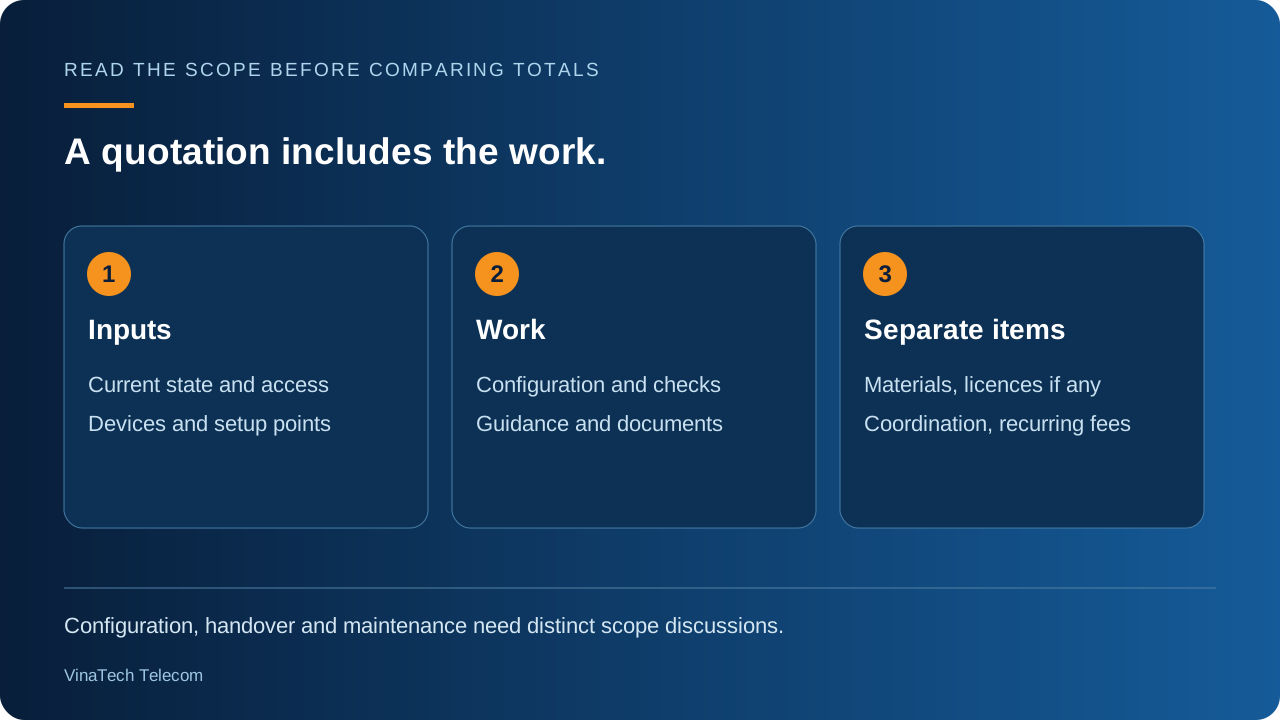
Compare the number of systems, devices or configuration points; review of the current state and accounts; setup work; checks; guidance; documents and coordination. Missing permissions, missing documents and dependencies on other suppliers are identified separately.
Additional equipment, materials, software or licences, if needed, are separated from configuration labour. Recurring charges, where applicable, depend on the products and proposal. Implementation timing and impact on office work also inform the decision, rather than comparing only the totals of quotations with different scopes.
Consider the investment through the work to organise: who receives responsibility, what remains in use, which information is missing and which tasks require technical help. Comparing the same scope provides a basis for considering what needs attention first and what may be planned later. Configuration and handover also differ from periodic maintenance; subsequent work, support conditions and responsibilities belong in the actual quotation or agreement.
7. Start with what you have and what remains unresolved
Return to the opening question: who holds administrator rights? At takeover, identify the authorised account holder, document location and responsible user's tasks. Unclear items are discussed before finalising the handover scope.
Share the system type, an equipment list if available, the documents you have and tasks you cannot yet perform. There is no need to send passwords or login information at this stage. Contact VinaTech Telecom's advisory team on 0909 869 588 to discuss review, configuration and handover work for your current system.
Discuss configuration and handover requirements · 0909 869 588