
MEETING-ROOM AUDIO · NEW INSTALLATION OR RETROFIT
Choose what, and why?
What is included in the quote?
Start with your room and the way you meet. Review retained equipment, adjustments and additions before comparing quotations.
Advice, layout, installation and handover tasks are discussed together. Online connections are included where your meetings need them.
Discuss your meeting-room proposal
Meeting-room audio installation: advice, installation and quotes
New installation or retrofit: start with meeting use, explain equipment choices and define quotation scope, installation and listening checks.
Key highlights
- check_circleAdvice from meeting use and existing room conditions
- check_circleRetained equipment, adjustments and additions made explicit
- check_circleRead quotations by equipment and work scope
- check_circleOperator practice and agreed handover records
You are preparing a new meeting room or upgrading the audio system already in use. Choosing speakers and microphones is only part of the decision: what does each item serve, what can stay, and which work is included in the quotation?
VinaTech Telecom's meeting-room audio installation service starts with how your company holds meetings. We discuss requirements, survey the existing conditions and connect equipment choices, layout and installation scope with the tasks used at listening checks and handover.
Advice starts with your room and the way you meet
For a new room, share the plan, intended furniture and presentation format. For an existing room, include the equipment, cabling and situations in which listening or operation is difficult. Photos, seating positions and a list of existing equipment help give the discussion a starting point.
Three points for the first conversation
- Where does the talker speak? Around the table, from a fixed presentation position, or while moving? Are microphones passed between participants?
- Who listens, and how? People in the room, remote participants or both? Where online meetings are used, record the actual computer, platform and audio devices.
- Who operates the room? Describe starting a meeting, selecting sources and adjusting levels, including any steps that cause confusion.
The intended use date and indicative budget help frame the discussion. They do not determine final equipment models or quantities before the room conditions are understood.
Survey the part that needs to change
We review talker and listener positions, noise, reflective surfaces, ceiling conditions, cable routes and power. In an existing system, equipment condition and connections are also checked. A seat where someone often asks for repetition becomes a listening-check position. Microphone feedback, room reverberation and far-end echo are distinguished by how they occur.
The proposal separates retained equipment, adjustments, and additions or replacements. Retention needs a basis in condition and connectivity; a replacement needs an identified limitation in the intended work. A new room starts with its layout and meeting tasks rather than assembling disconnected purchases.
Explain each equipment choice on the room plan
Microphones follow the speaking format
Seated discussion can be assessed using tabletop microphones or capture positions around the table. A presenter who moves has different needs for pickup and operation. We compare distance, pickup area, connections and handling with the proposed configuration. A category name such as “array microphone” does not establish every feature of a specific model.
Shure's boardroom microphone guidance considers seating and presentation style. In a proposal for your room, these become specific capture positions and usage scenarios.
Speakers follow listening positions and installation conditions
Ceiling or wall speakers are considered against structure, direction, listening areas and cable routes. Positions on the plan show how speakers, microphones and furniture relate. Quantities follow the design for the surveyed room; nominal power is not a substitute for listening to speech at the seats.
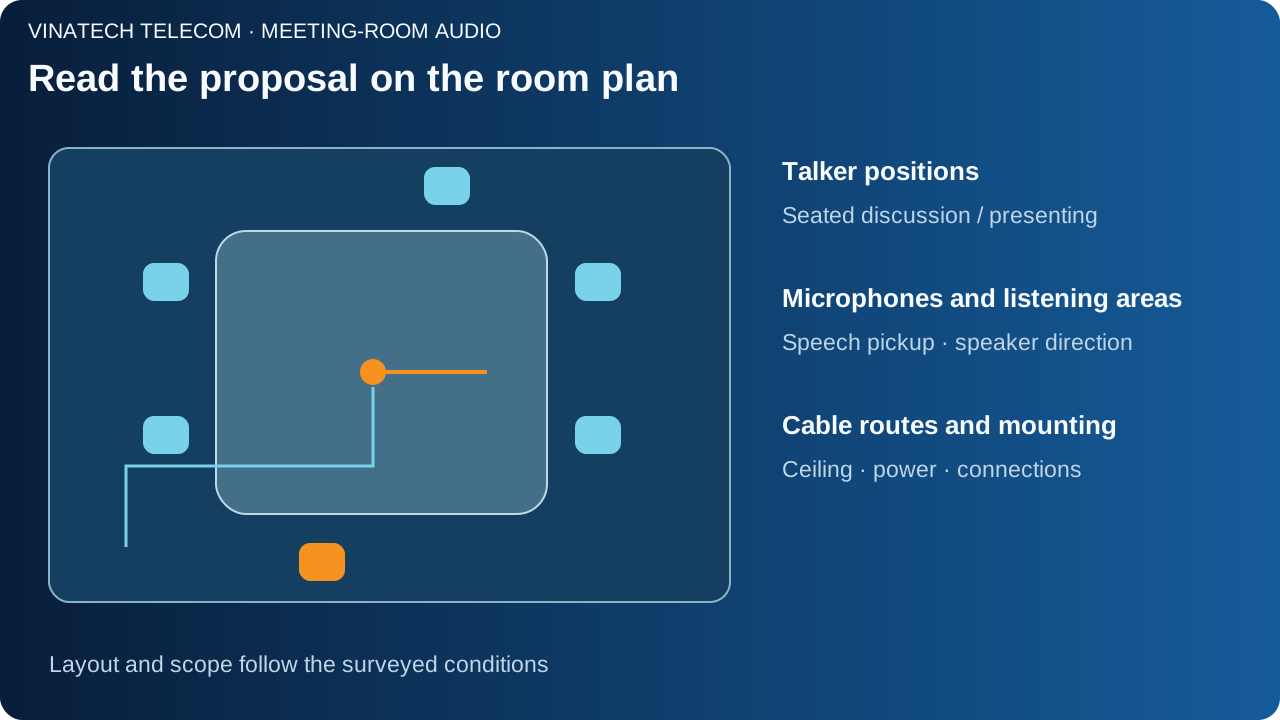
Glass and hard surfaces may require a closer look at sound reflections. If acoustic treatment or interior changes are proposed, the rationale and coordination scope are separated. Microphone feedback also depends on placement and gain, as explained in Shure's feedback guidance.
Include online connections when the room needs them
Where remote participants join, we review microphone audio sent out, received audio and the connection to the computer or conferencing device. AEC, where used, is checked against the selected model and signal path; it is not assumed to be present in every microphone. Biamp's commissioning guidance distinguishes far-end AEC from room reverberation and acoustic feedback.
The proposal separates local meetings from online connectivity. Equipment additions can then be discussed against actual use rather than assuming one large configuration for every room.
Read equipment and work scope together in a quotation
We put each choice beside its reason: equipment that can be used again, adjustments, and additions serving a specific task. Where different approaches are available, compare functionality, dependencies and operation alongside the budget.
Scope categories to make explicit
- Equipment and accessories: models, quantities in the proposal, accessories, retained items and compatibility conditions.
- Installation: cables, connectors, mounting positions and work included. Separate any ceiling, interior or electrical work requiring coordination.
- Configuration and tuning: signal paths, source selection, capture/playback levels and computer connections where agreed.
- Checks and handover: listening tasks, connection records, configuration to retain, instructions and operator practice.
- Commercial conditions and exclusions: tax, transport, warranty/support terms in the quotation, and licences or recurring costs where applicable.
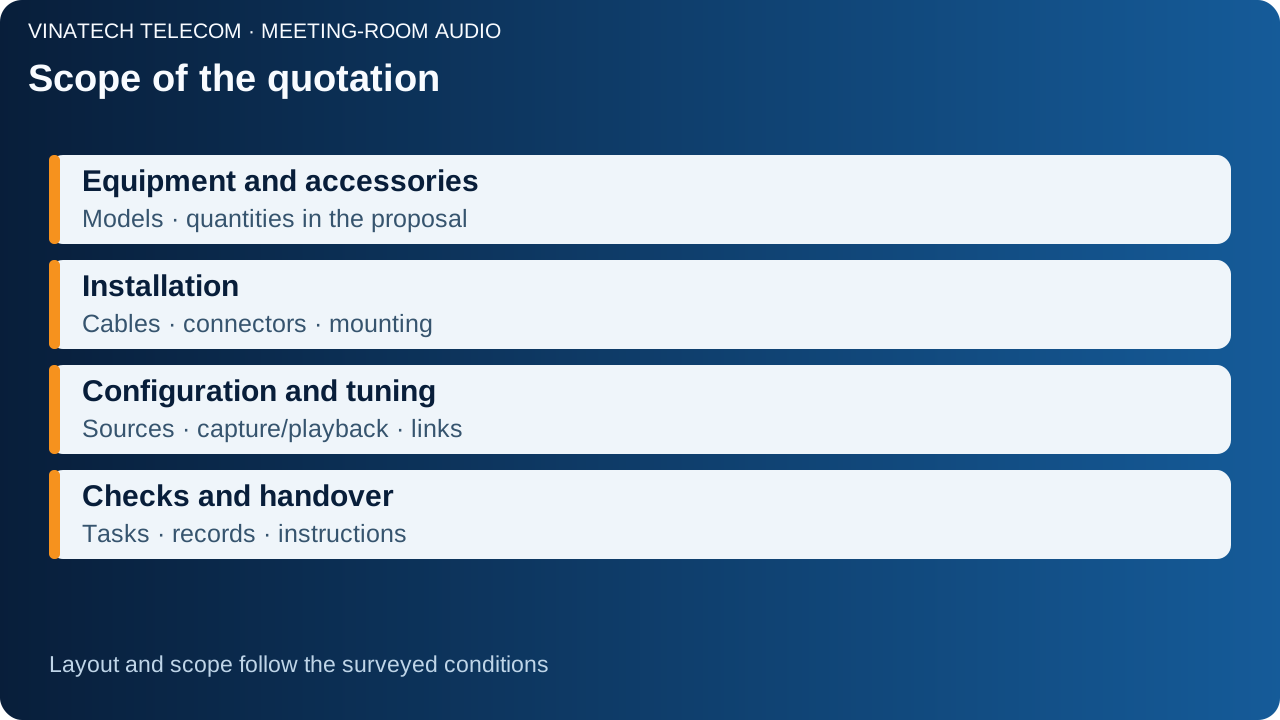
Compare the same categories of work: an equipment list and an installation-and-handover proposal may have different scope. Actual pricing depends on the conditions and agreed work; this article does not prescribe a universal price or equipment count.
Coordinate installation with company operations
Discuss working areas, timing and affected connections before implementation. In a retrofit, clarify changeover and configuration to retain. Starting a meeting is included in operator instruction; the discussion does not end with hardware installation.
Use real meeting tasks for checks and handover
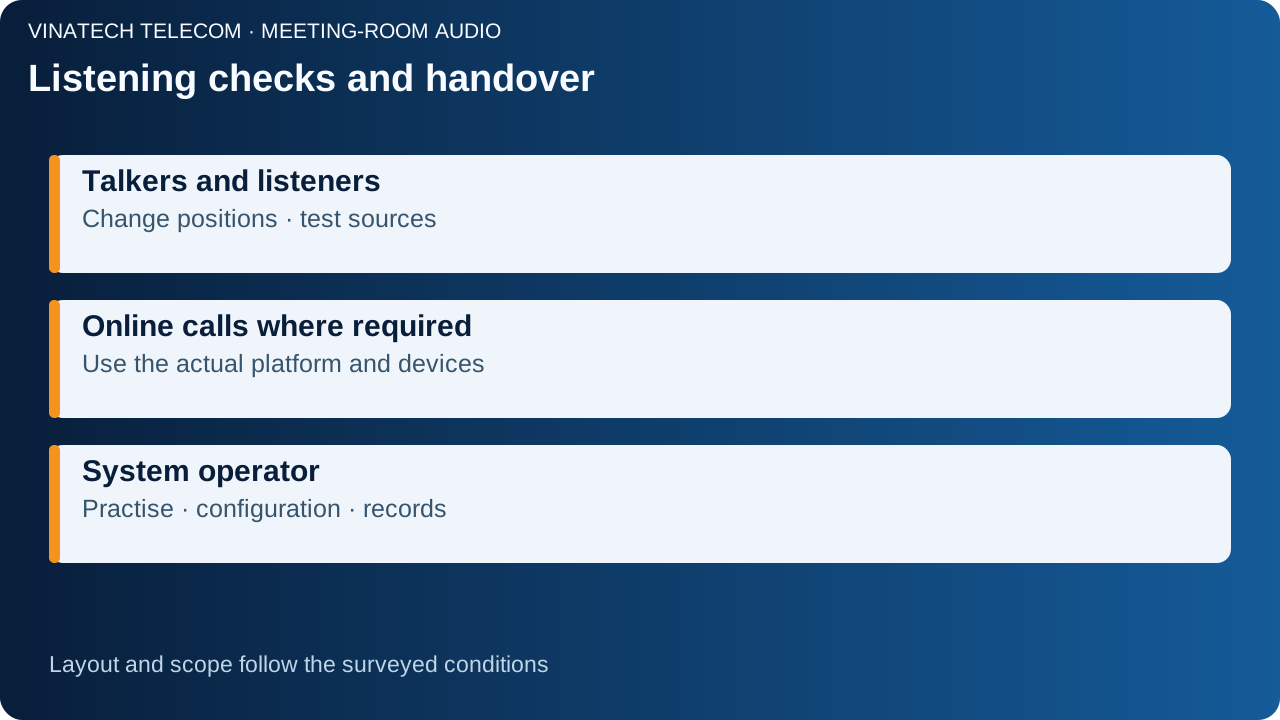
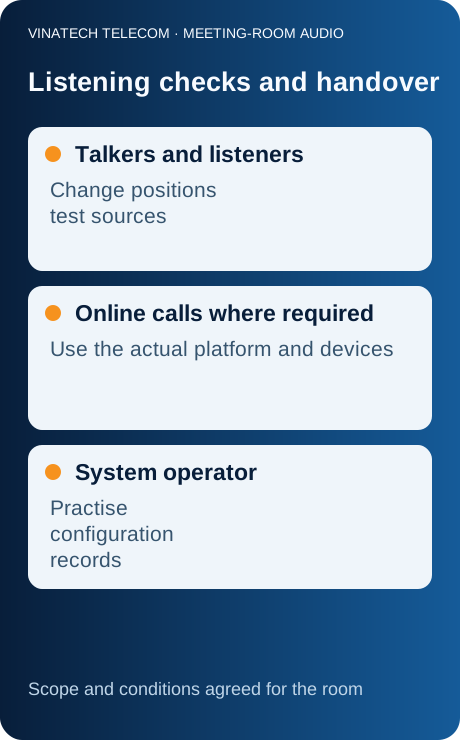
We agree with you on tasks and test conditions. Listen to speech at representative seats, change talkers and try the microphones and sources in scope. Return to the seat identified during the survey and record feedback. Playing music at one position does not replace these checks.
For online meetings, make two-way calls on the actual computer, platform and devices, and obtain feedback from remote participants. The operator practises starting a meeting, selecting a source and adjusting levels; points requiring further instruction are recorded within the scope.
Handover records include equipment, connections, configuration, operating instructions and agreed test results. Specialist measurements or acoustic criteria, where requested, are defined separately; an explanatory diagram is not a site acceptance report.
Installing a new room or upgrading an existing one?
Send us room photos or a plan, existing equipment and the way you organise meetings. In an existing room, add the difficult listening positions or operating steps. VinaTech Telecom's consultation team uses these details to discuss the survey, equipment choices and quotation scope.
Discuss your meeting-room audio proposal → · Hotline 0909 869 588.