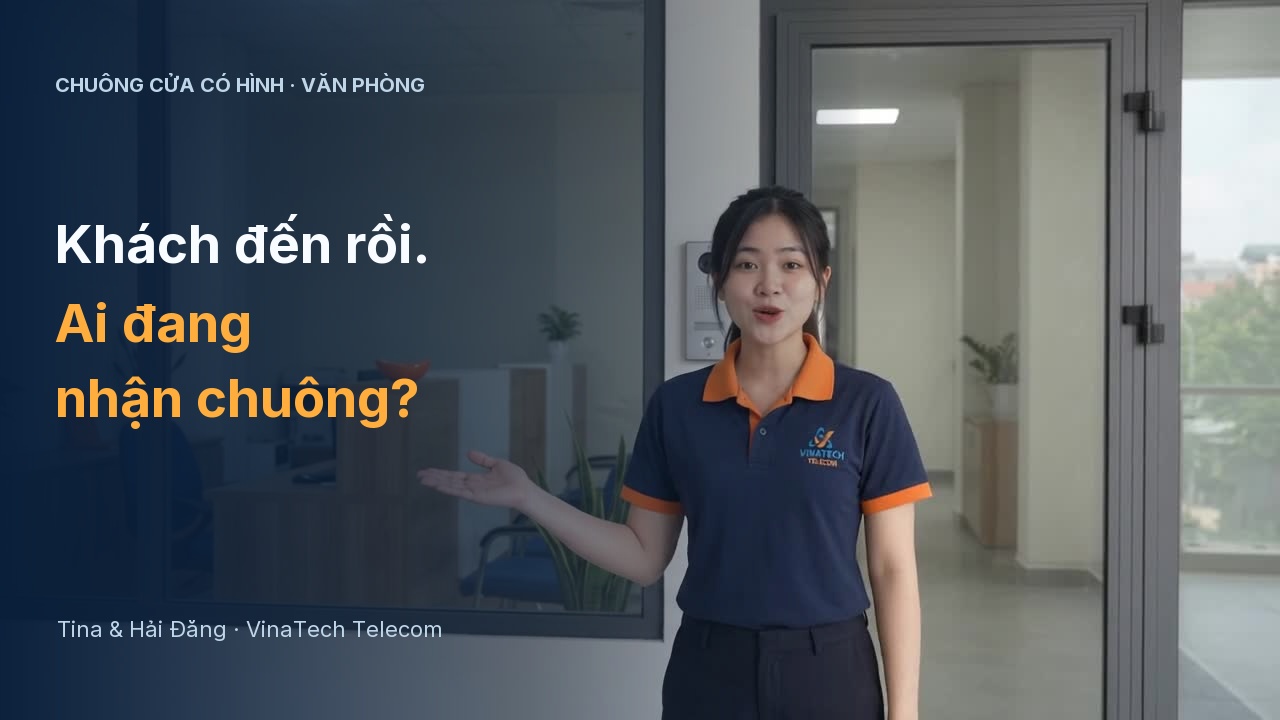
OFFICE VIDEO INTERCOMS & SMART LOCKS
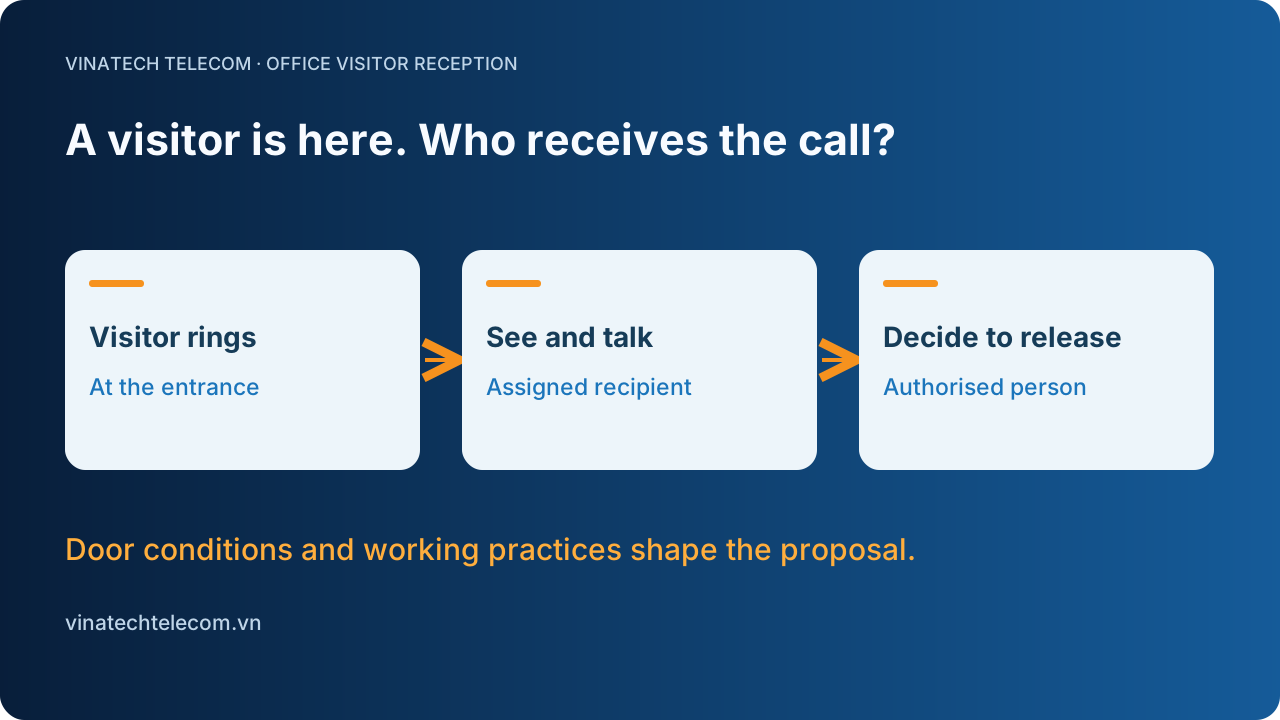
A visitor is here.
Who receives the call?
Which receiving point should ring, who answers and who authorises the door release? Start with the way your office welcomes visitors.
From door conditions and equipment connections to quotation scope, practical checks and handover.
Discuss your installation requirements
Assign recipients and receiving points around the office reception workflow.
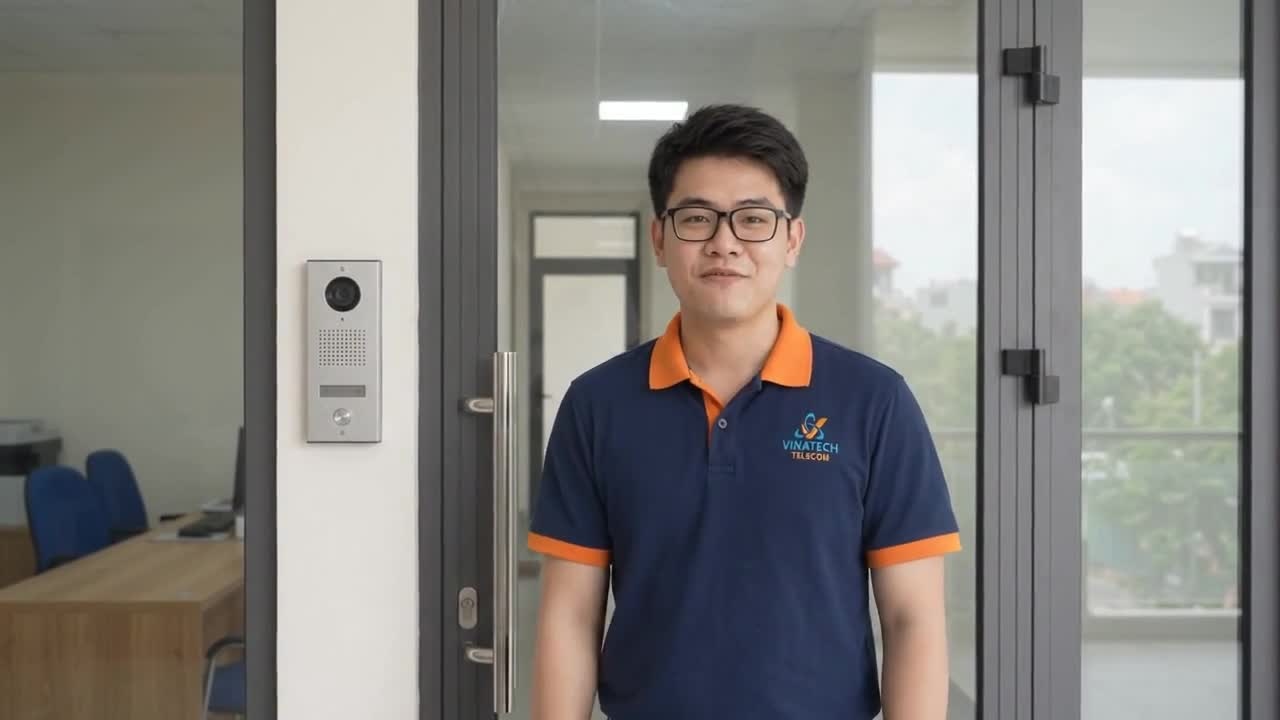
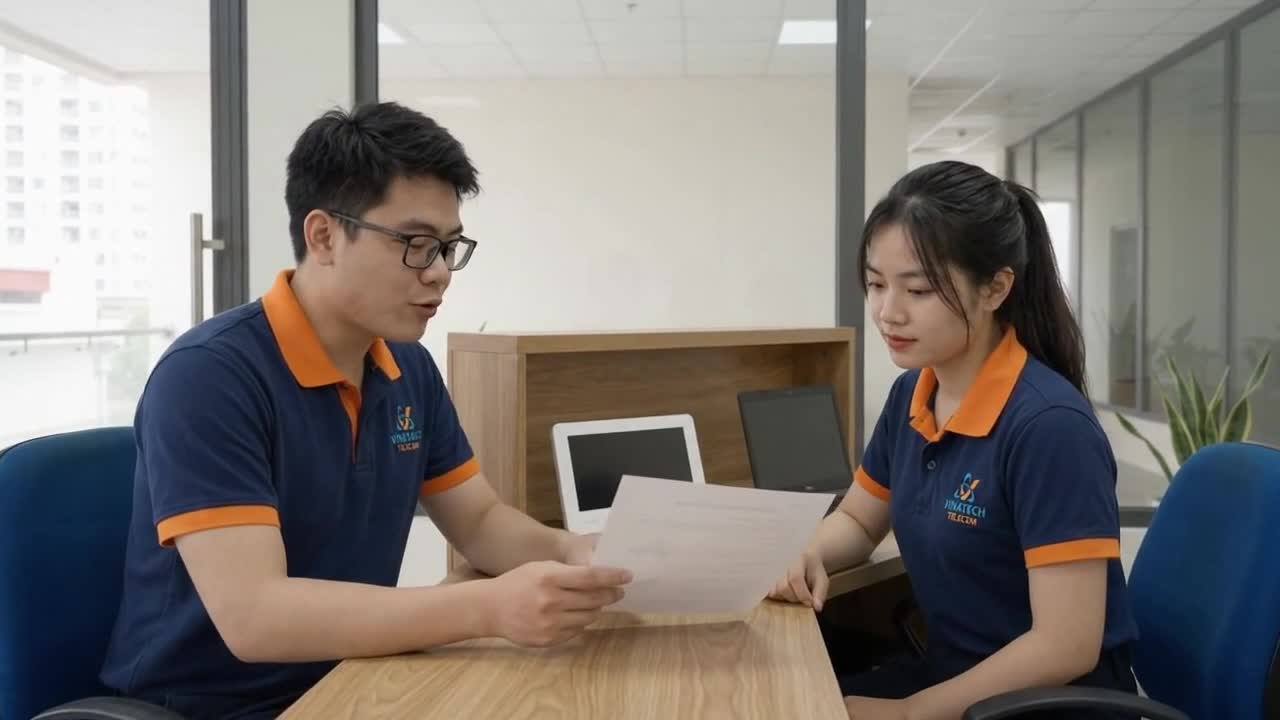
Office Video Intercom and Smart Lock Installation
A visitor is here. Who receives the call? Discuss the assigned recipient, receiving point, door conditions and installation scope before selecting equipment.
Key highlights
- check_circleIdentify who receives calls and authorises door release
- check_circleCheck intercoms, locks and connections by model
- check_circleSeparate retained items, additions and coordinated work
- check_circlePractise calls, door operation and account management
A visitor is here. Who receives the call? In an office without someone continuously attending the entrance, a doorbell starts a task: find out whom the visitor needs, speak before allowing entry and identify who may decide to release the door. A list of intercom or lock features does not answer that whole task.
VinaTech Telecom discusses visitor reception, existing door conditions and call receiving points with you before proposing a video intercom or smart lock installation. This article focuses on offices; gates, homes and villas need a separate review of their operating context.
1. Start with the person receiving the call
Consider a visitor arriving while the assigned person is in a meeting or working at another desk. Which monitor or account should receive the call? What should happen when that person is absent? These questions inform monitor locations, users and responsibility for receiving visitors.
We discuss the number of doors and receiving points, reception hours, out-of-hours handling and who may authorise door release. Daily staff access and visitors arriving for appointments are different workflows; they need not share the same authentication method or access to internal areas.
2. Separate the intercom, lock hardware and phone functions
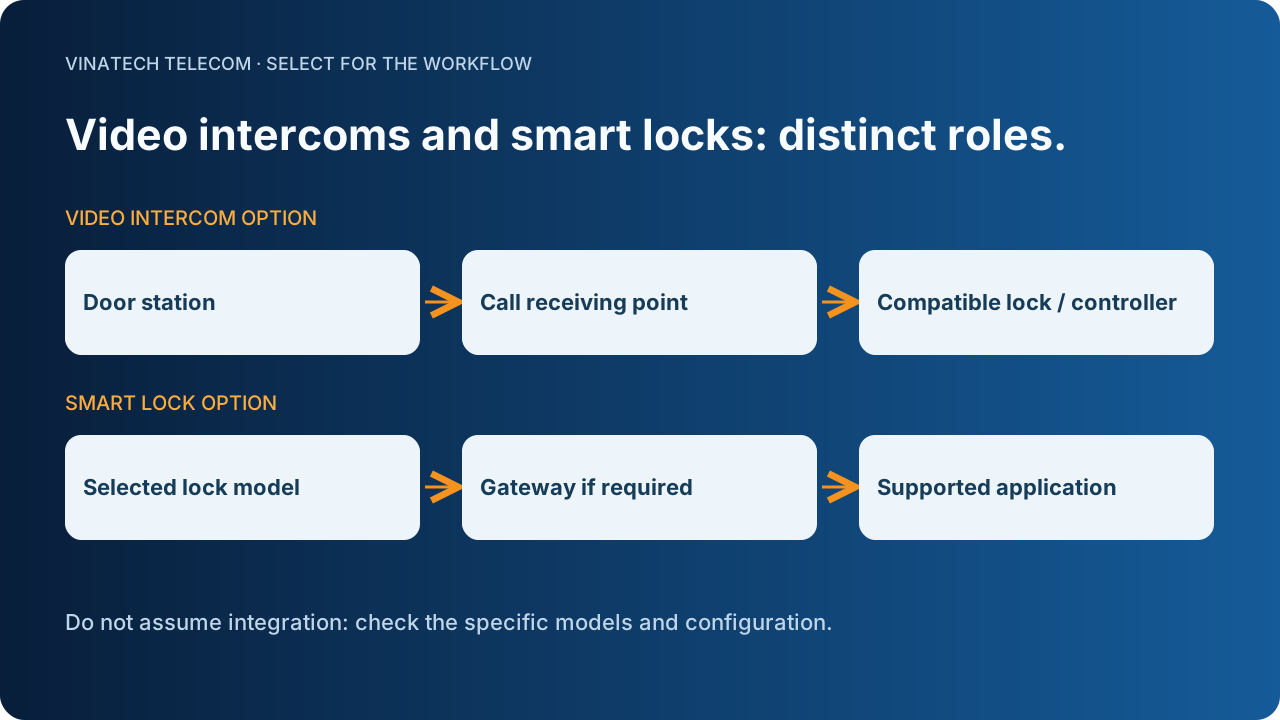
A video intercom handles calling, viewing and conversation within the functions of its equipment. Door release additionally requires a defined lock mechanism, power supply, controller and compatible connection. An unlock button on a screen does not demonstrate compatibility with every lock.
A smart lock is another option, checked by model against the door and intended use. Cards, passcodes, fingerprints, activity history and application connectivity are reviewed separately; a feature of one product does not describe the entire category. Receiving a call and operating the lock from a phone are also two distinct functions.
Where remote operation is required, we check the devices, any intermediate gateway, application, Internet connection and user accounts. Some locks require a gateway; the name “smart lock” alone is insufficient. Alongside an open application, testing considers a locked phone screen or a different network according to the product's supported operation.
3. Review the door and existing equipment before replacement
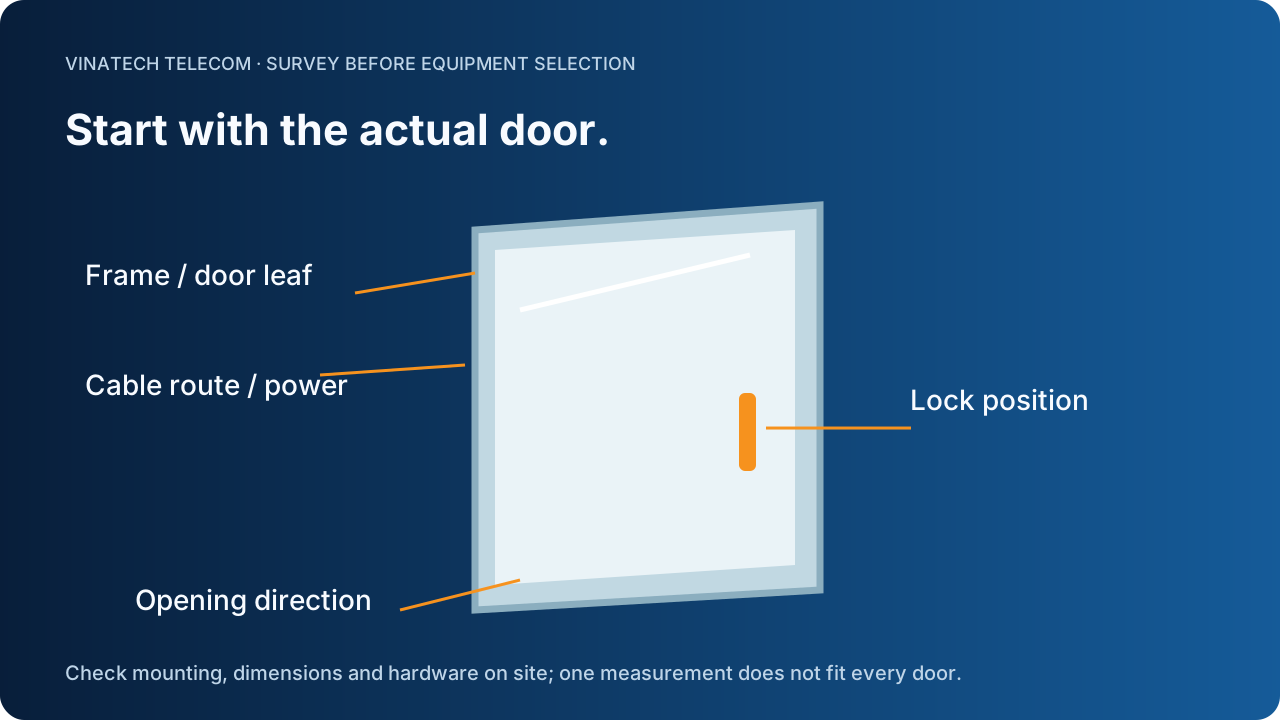
The frame and leaf, opening direction, mounting dimensions, existing lock mechanism and exit from inside are survey inputs. Glass, aluminium, timber and outdoor gates involve different mounting and environmental conditions. Lock dimensions and outdoor ratings are checked against the documentation for the selected model, rather than applying one value to every door.
For leased offices, we clarify work involving the building owner, door contractor or shared-system operator. The door station position is reviewed together with viewing angle, lighting, noise and where visitors stand. Receiving monitors are positioned for the people who use them. Cable routes, network and power are reviewed alongside distances and existing equipment.
Three options may be compared: add a video intercom and reuse the existing lock after compatibility checks; install an intercom, controller and lock within one proposal; or select a smart lock for a defined access workflow. Retention or replacement follows the existing conditions and required functions, rather than the price of one device alone.
4. Read the quotation as a complete workflow
A quotation can separate the door station and receiving points; lock, controller or gateway for the configuration; power, cabling and accessories; mounting and finishing; accounts and application setup; scenario checks and user guidance.
Items retained, items added and work performed by other parties need separate identification. Recurring software, account, storage or connection charges, if any, are established for the actual products and proposal. Where recording or activity history is selected, storage location, viewing permissions, retention and data management belong in the scope discussion.
The same equipment may involve different work depending on receiving points, door condition, cabling and integration. We use those inputs to discuss quotation scope. Commercial terms, warranty and support are stated in the actual quotation or agreement, rather than replaced with a universal price or duration in advertising.
5. Check the call and the physical door, then hand over
Checks follow the selected situations: a visitor rings at each door; the assigned person receives the call; they see and talk before deciding; a release command is sent; the door mechanism is observed; and the door is checked after closing. If closed or locked status must be monitored, the proposal must identify the sensors and supported functions. A sent-command notification is not evidence that the mechanical door has closed correctly.
Loss of connectivity, absence of the recipient and power or battery situations are discussed for the actual equipment. Local operation, emergency power or fallback methods are included only where supported by the model and configuration. Do not wire or test electrical connections from the conceptual diagrams in this article; technical work requires the responsible specialist.
At handover, the responsible user practises receiving calls, managing accounts, changing users and checking the selected functions. The equipment list, configuration information to retain, operating instructions and support contact accompany the agreed scope. Knowing who receives the call, who decides and how the door operates provides a basis for comparing quotations and organising visitor reception.
Planning a new office intercom or lock installation, or an upgrade? Send us photos of both sides of the door, the visitor call position, preferred receiving location, current equipment and what you want to change. VinaTech Telecom's advisory team uses these inputs to discuss the survey and proposal scope.