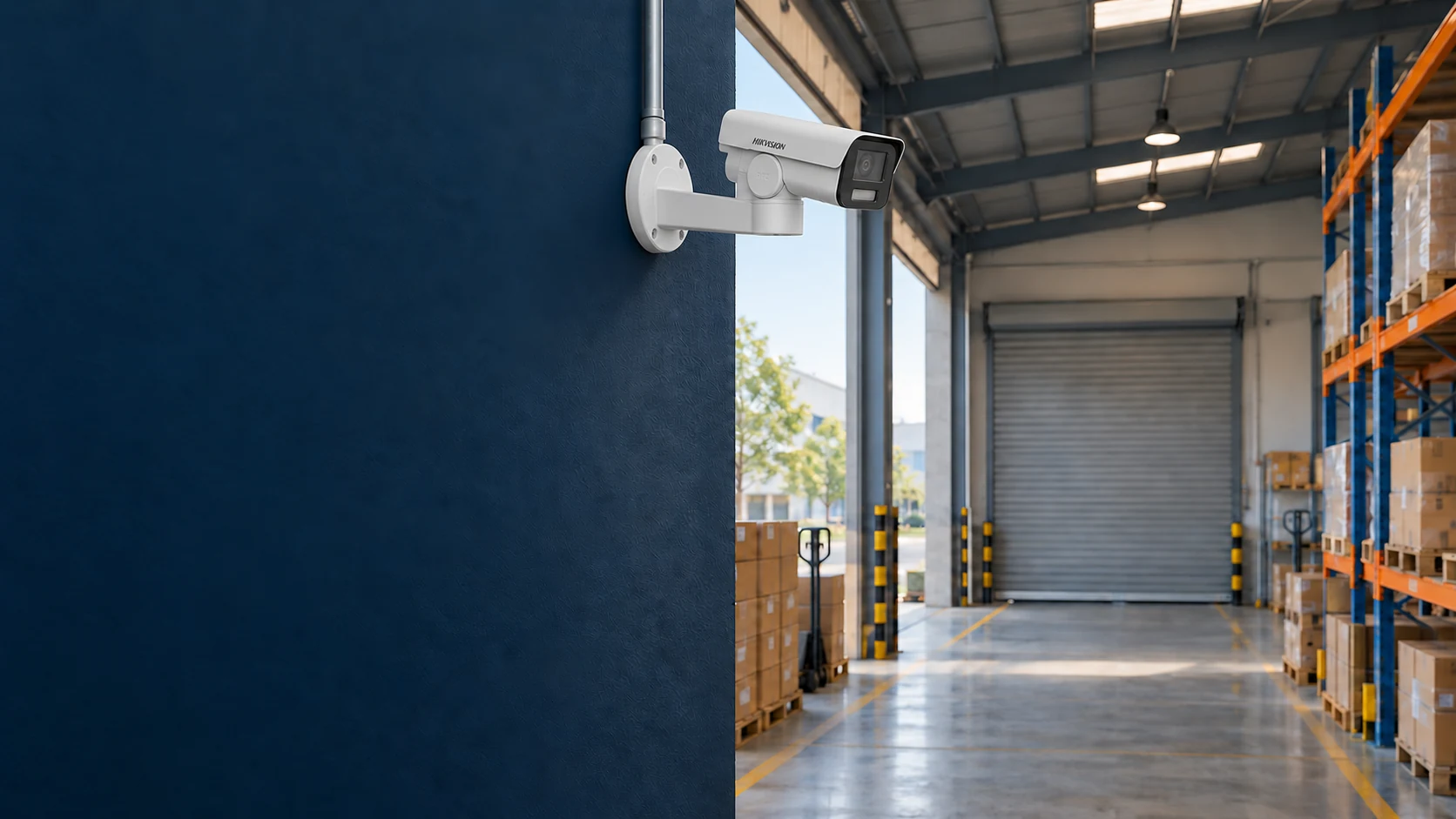
Illustration of warehouse-access monitoring; choose the view for the observation task.
Camera Solutions for Offices, Factories, Schools
Phạm vi cần trao đổi
- check_circle Views for agreed observation tasks
- check_circle Storage for recording settings and retention
- check_circle Image, playback and export tests
- check_circle Access permissions and handover records
1. Start with what you need to see
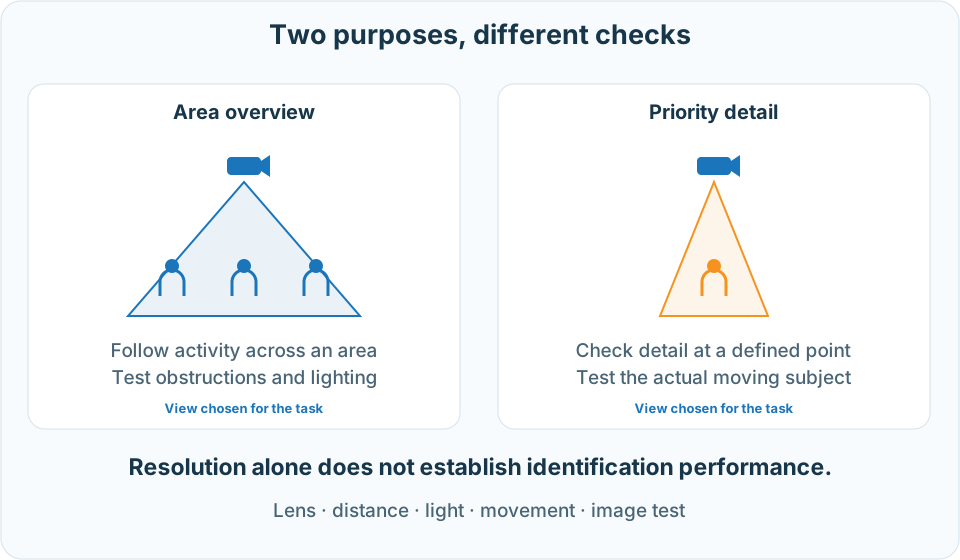
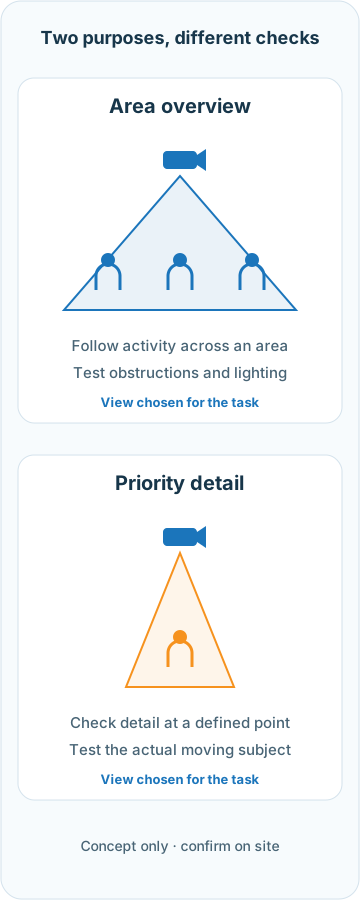
An overview of a warehouse serves a different purpose from seeing activity at a receiving door in detail. Before choosing camera counts or resolution, agree on the areas, subjects and detail needed in playback.
| Area | Purpose | What to test |
|---|---|---|
| Entrances and corridors | Follow arrivals, departures and activity. | Direction of movement, backlight from doors and obstructions. |
| Receiving doors and transaction points | Review agreed actions or details. | Subject size in the image, distance and motion blur. |
| Warehouses, yards and factories | Monitor priority areas. | Shelving, vehicles and machinery blocking the view; day/night lighting and installation conditions. |
Mark observation areas and areas where recording should be restricted on the floor plan. Agree on who may view live video, play recordings and export data. Discuss audio recording separately if required.
2. Choose the view, then check the model
A wider view covers more space but spreads the available pixels across a larger area. For detail at a particular point, check the lens, sensor, distance, mounting direction and lighting. Use Axis guidance on surveillance lenses and test the actual image at the proposed location.
A MODEL TO CHECK
Hikvision DS-2CD1P43G2-I
The datasheet specifies 4 MP and a fixed lens: the 2.8 mm version has a 99° horizontal view; the 4 mm version has a 79° view. Motion detection supports human/vehicle target filtering. The microphone belongs to the -U variant and the memory-card slot to -F; do not assign these features to the -I version.
The IR range of “up to 30 m” describes supplementary illumination, not guaranteed plate reading or face identification at 30 m. Select the configuration against the required test.
Read the Hikvision datasheet →The warehouse-access image at the top illustrates an observation context, not a completed-project acceptance photo. Plate reading or identity checks need a specific design and test; an “AI” label alone does not establish suitability.
3. Size bandwidth, power and retention together
Check recording streams, bitrate, continuous or event-based schedules, required retention and recorder capabilities. Select storage against system compatibility and workload requirements; a drive family name does not establish a fixed service life.
CALCULATION EXAMPLE, NOT A RECOMMENDED CONFIGURATION
8 cameras · 2 Mbps each · 14 days
Assume all eight cameras record continuously, 24 hours a day, at a constant 2 Mbps per camera.
≈ 2.42 TB of video data
TB = cameras × Mbps × 10⁶ × 86,400 × days ÷ 8 ÷ 10¹²
This is decimal TB, excluding audio, additional data, system usage, headroom and disk-protection overhead. Variable bitrate or event recording needs measurements and a revised estimate; megapixels alone do not determine retention. See Axis guidance on bitrate and storage.
- Power: PoE requires compatible cameras and power-sourcing equipment. Check per-port power, total power budget, cable routes and outdoor accessory requirements.
- Recorder and network: test incoming streams, decoding, playback and export with the chosen stream count and settings. On shared networks, define segmentation and permitted traffic using suitable ACL or firewall policies.
- Resilience: UPS or redundant storage needs a defined load, required operating duration and test scenario. Recording during a power or network failure is not automatic for every system.
4. Hand over a system the customer can use
Agree on tests for each location: day/night images, moving subjects, possible obstructions, time-based playback and a sample clip export. For alerts, test both required events and situations that should not trigger them, and record the test conditions.
Assign viewing, export and administrative permissions by role. Clarify account handover, recovery, software updates and an approved remote-access method. Avoid exposing camera ports directly to the Internet; check the connection method and manufacturer documentation. The Axis hardening guide describes network and access-control layers.
Agree on camera positions, models and suffixes, recording settings, usable storage, tests, deployment timing and support terms in the proposal. Long retention periods need follow-up after enough operating time; a single handover session cannot establish the full retention cycle.