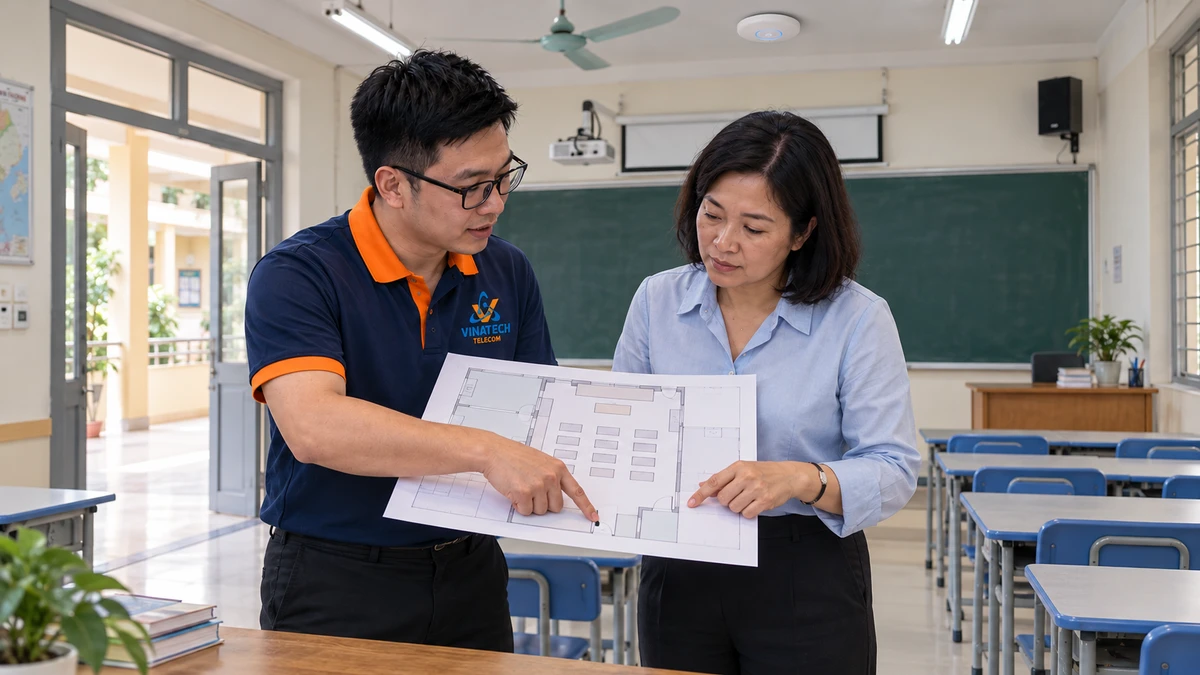
Illustration of reviewing a classroom layout and equipment locations.
Solutions for Schools & Education
Where do teachers open learning materials, which areas need announcements, what should cameras observe and who receives the systems? Plan school networking, cameras and PA around the campus, teaching schedule, existing equipment and actual tasks.
Phạm vi cần trao đổi
- check_circle Survey Wi-Fi by task, location and usage time
- check_circle Define listening zones, camera goals and access
- check_circle Phase investment around existing equipment and priorities
- check_circle Let receiving users practise before handover
Start with a school day
Place the campus plan alongside the teaching schedule. Establish locations, representative devices, applications and simultaneous use. Survey actual areas, walls and distances, as well as AP data and power connections. Do not apply one client-per-AP figure to every school. Validate relevant tasks under recorded conditions.
Watch the solution film

Watch film with chapters → · Vietnamese audio · English subtitles
AI-created illustrative situations; not a customer project or measured operating results.
Access policy, announcement zones and observation goals
Different SSID names do not prove isolation; verify the policies and configuration. For PA, identify listeners, quiet areas, background noise and zone-selection tasks. Passive speakers require suitable amplifiers and lines. Scheduling depends on compatible control and configuration. Ordinary PA must not be assumed to replace emergency systems. Define camera goals, field of view, distance, lighting, viewing permissions, export and retention. The school must review locations and access responsibilities against its purposes and applicable requirements.
Phase work around lessons and existing equipment
Each system has its own power, cabling and connectivity requirements. Do not assume a single interface controls every system. Check existing equipment before proposing additions. Separate equipment, installation, configuration, validation and training in the estimate. Agree work windows around lessons, examinations and occupied areas.
Let the receiving users demonstrate their tasks
Teachers should open materials on usual devices. PA operators should select the intended zone, and authorised camera users should find a recording. Keep the inventory, configuration, change log, outstanding work and contacts aligned. Call 0909 869 588 or contact the VinaTech Telecom advisory team.
Manufacturer references
- Cisco — WLAN site survey
- TOA — passive PC-1860 speaker
- TOA — VM-2240 zone selection
- Axis — scenes and recording settings
Match the exact model and version. These examples are not a final bill of materials or a service-level guarantee.