
Explore a key topic · Network & WiFi
Where is the network slow? Start there.
Review coverage, cabling and device usage before choosing an upgrade.
Explore network & WiFi solutions Application illustrationExplore this topicIT & low-voltage systems for business
Networks, cameras, audio & access control.
Designed around your workplace.
Explore a key topic · Network & WiFi
Review coverage, cabling and device usage before choosing an upgrade.
Explore network & WiFi solutions Application illustrationExplore this topicExplore a key topic · Camera systems
From entrances to work areas: define viewing angles, lighting and how footage will be reviewed.
Explore camera solutions Application illustrationExplore this topicExplore a key topic · Audio & meeting rooms
Choose microphones, speakers and equipment around the people, space and way it is used.
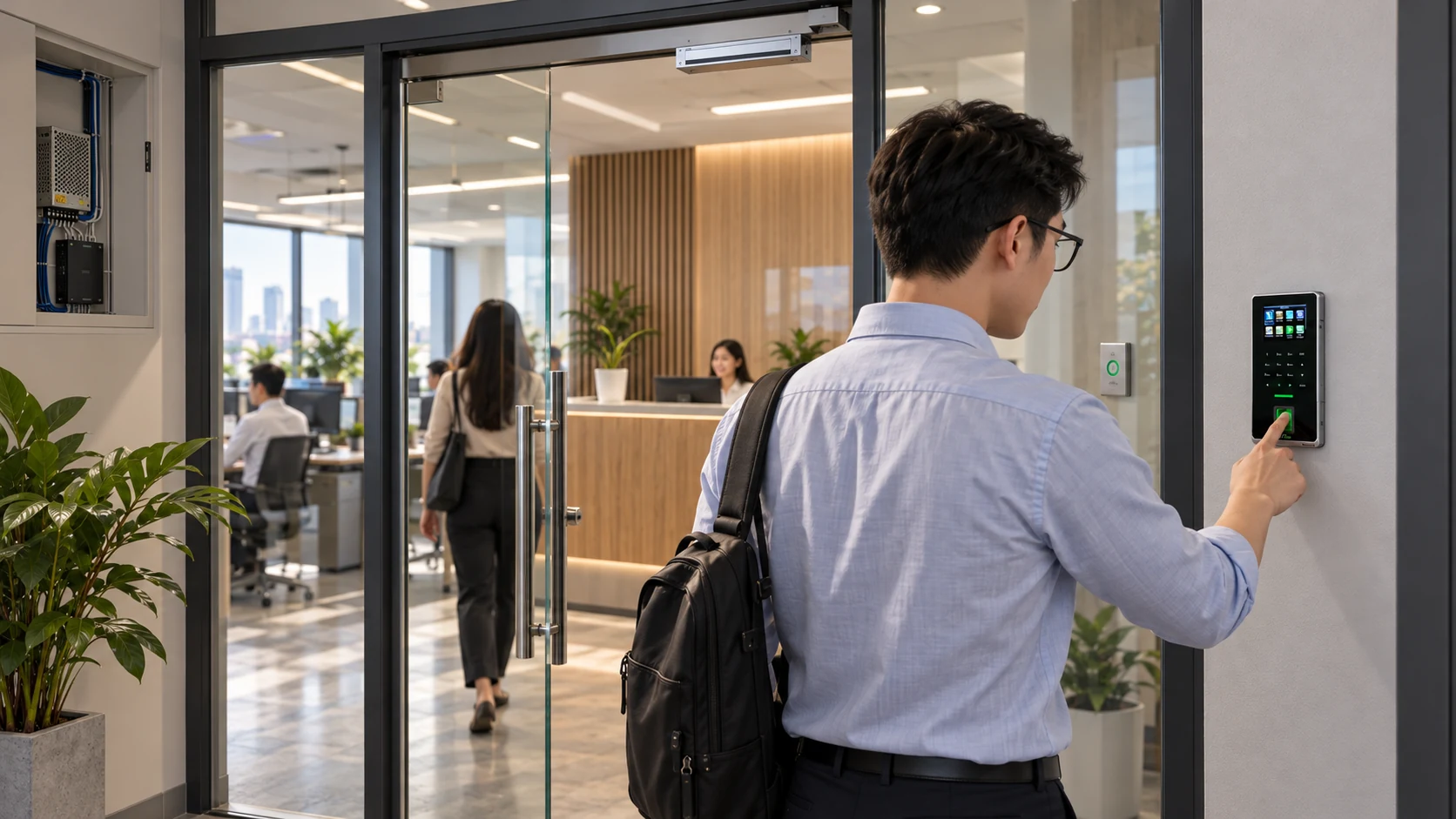
Explore audio solutions Application illustrationExplore this topicExplore a key topic · Access & attendance
Clarify the doors, authentication, access permissions and attendance data to manage.
Explore access solutions Application illustrationExplore this topicExplore a key topic · Choose equipment
Check the task, connections, power and compatibility with your existing equipment.
Browse equipment Application illustrationExplore this topicUpdated 2026-10-12 · Recent guides
Practical checks, selection criteria and operating considerations before investing.
Read this article Application illustrationExplore this topicStart with the use location
Choose a workplace to explore what needs consideration.
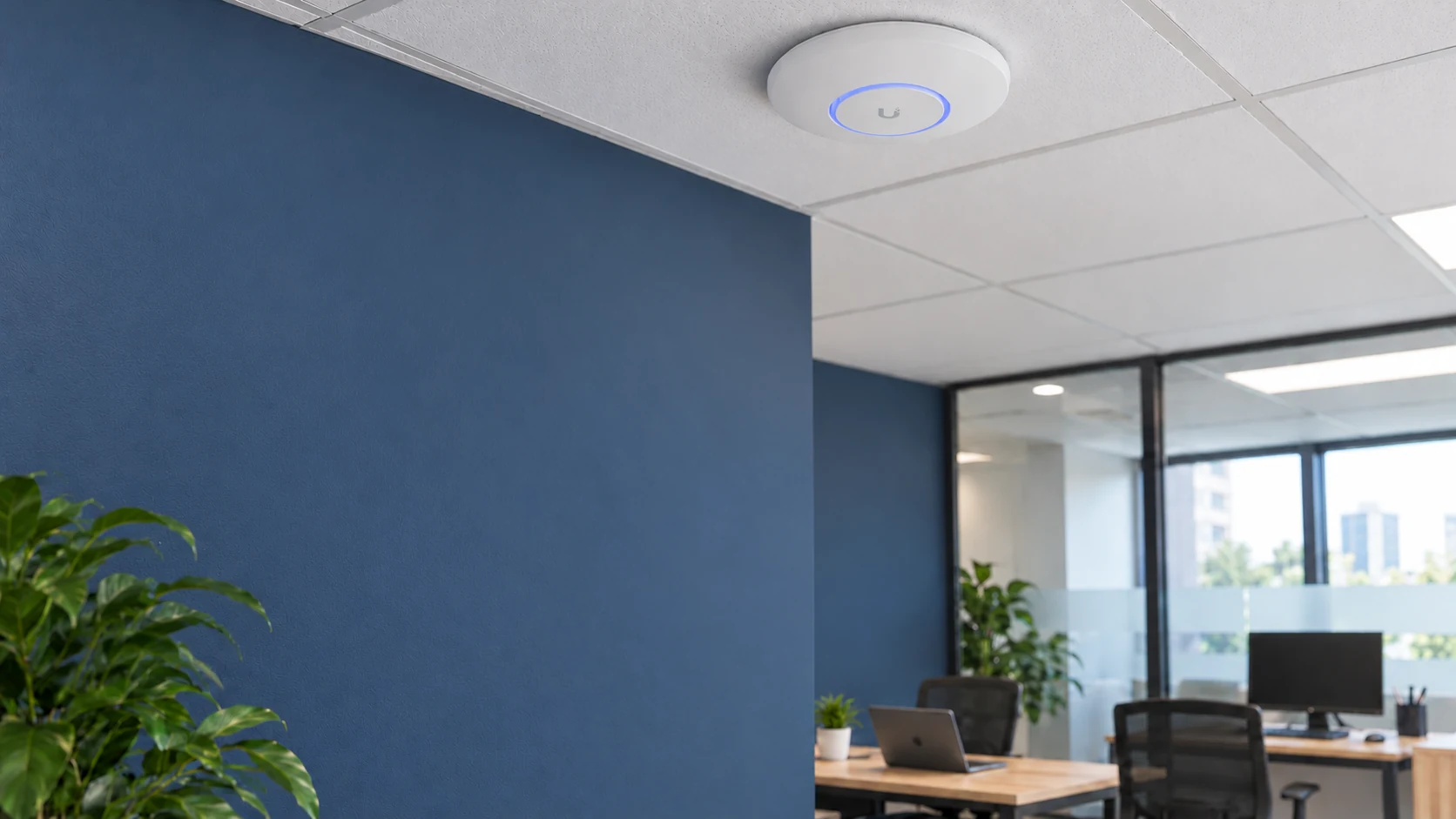
Offices & organizations
Before replacing equipment, identify where connections slow down and which tasks are affected.
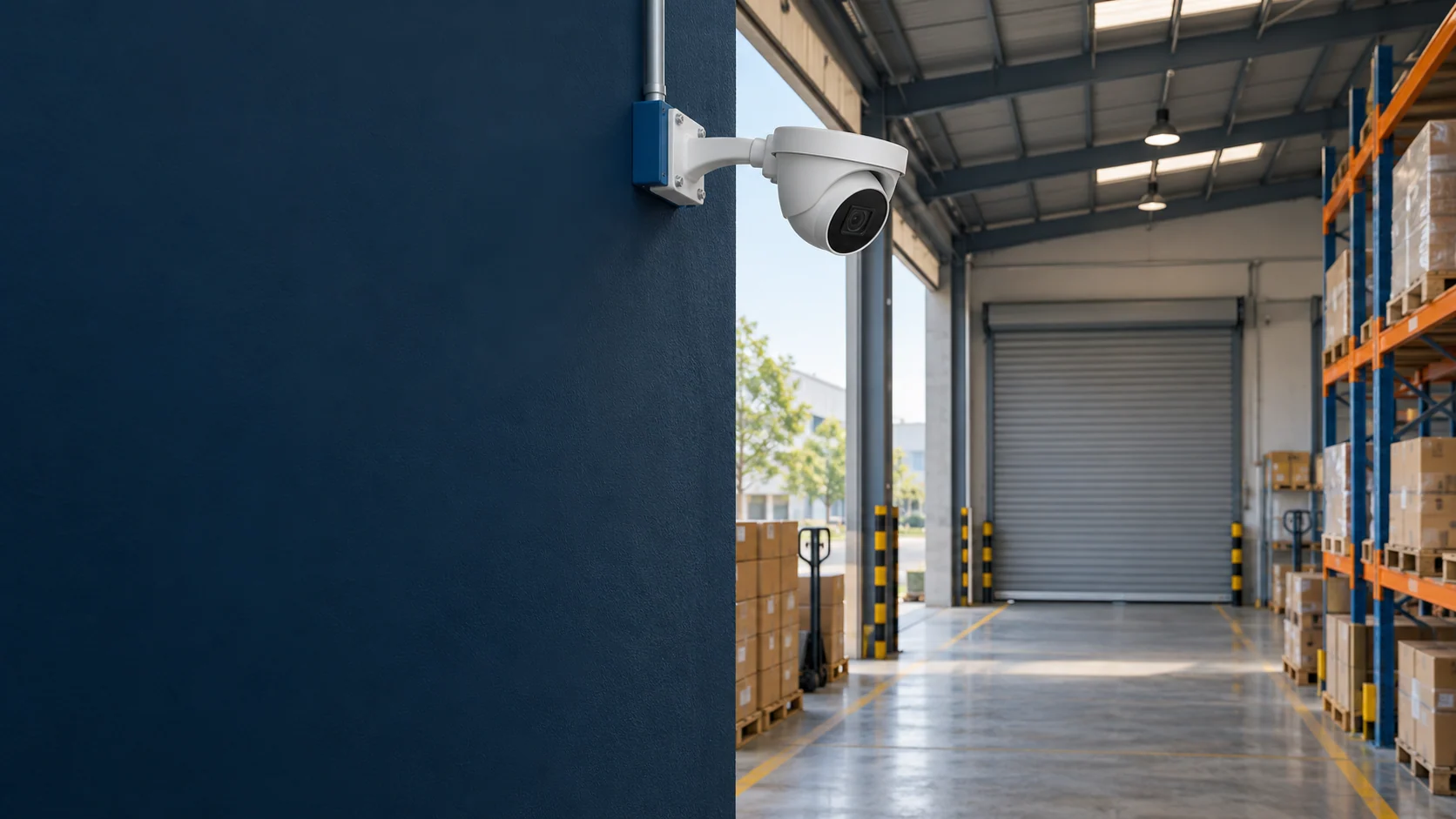
Warehouses & workshops
Dispatch points, entrances and work areas need different views. Start with what you need to see.
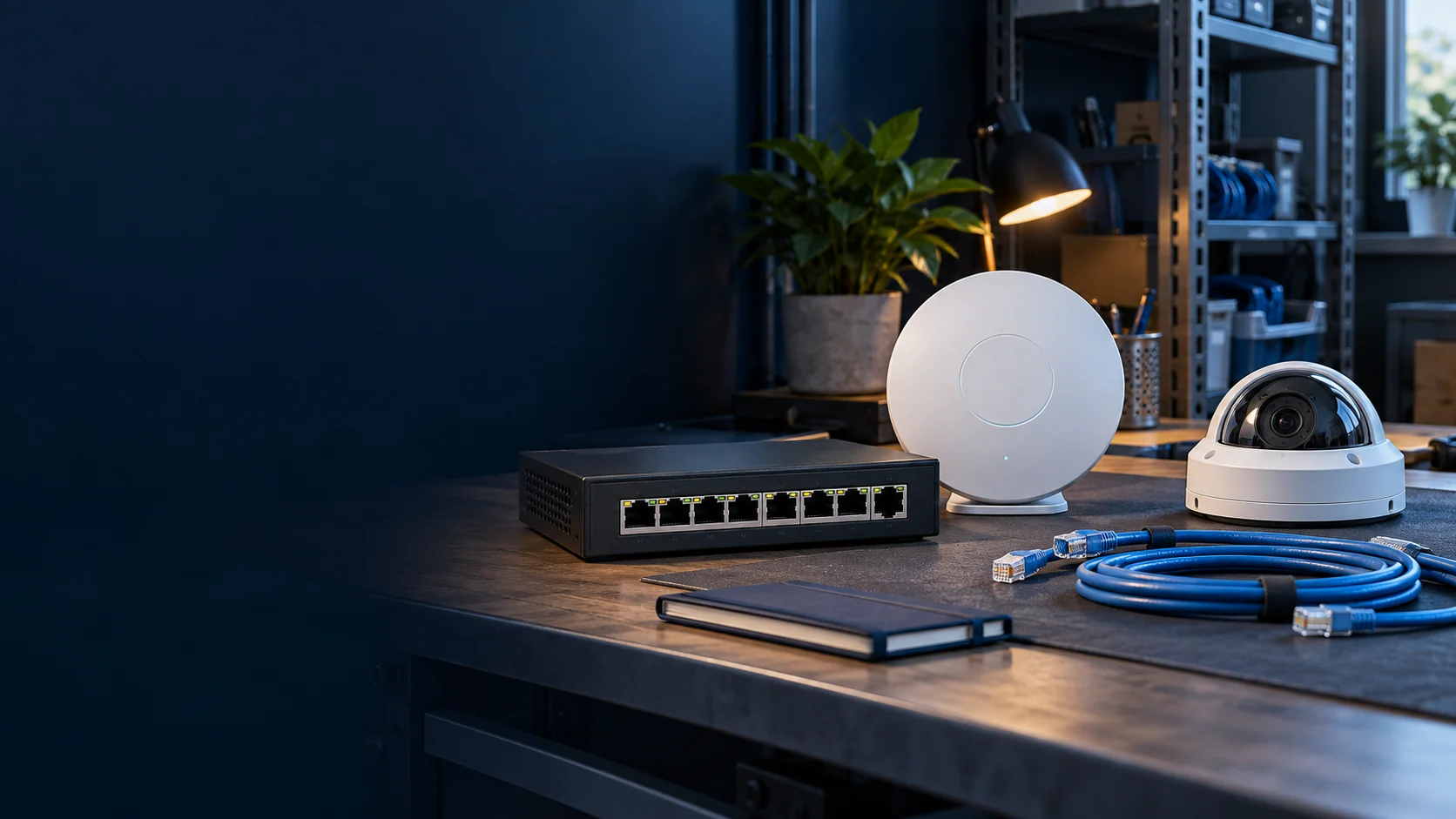
Stores & retail
Counter connections, guest WiFi and cameras should be planned around the way the store works.
How VinaTech works

Review the site, usage and existing equipment. Decide together what should come first.
Clarify configurations, reusable equipment, costs and timing before installation.
Check agreed tasks; hand over accounts, instructions and a support contact.
Equipment in the system

Wireless connectivity for meeting rooms and work areas.
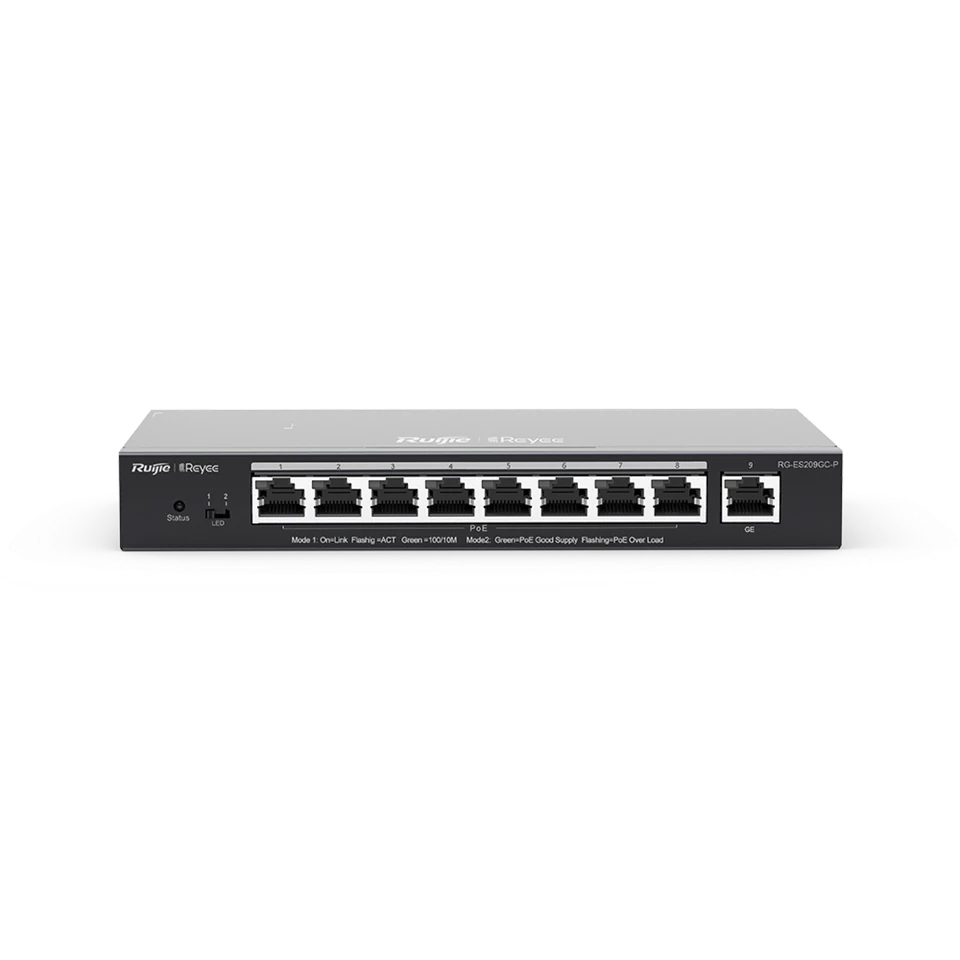
Connect and power compatible access points and cameras.
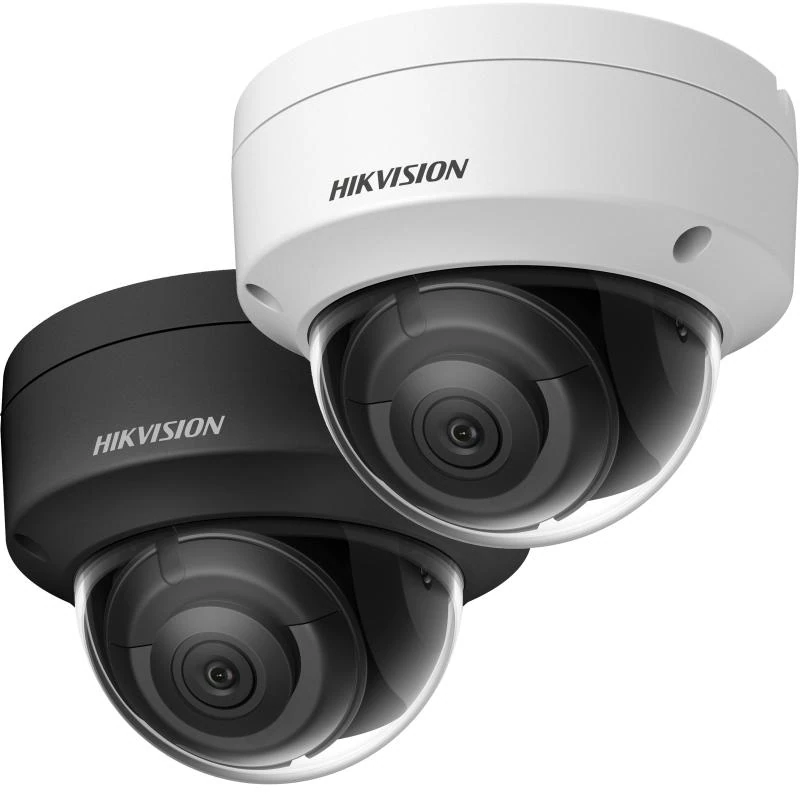
Monitor entrances and areas that need surveillance.
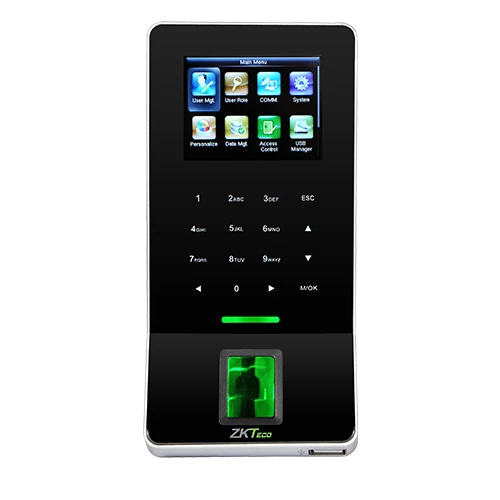
Fingerprint attendance and access permissions for your workflow.
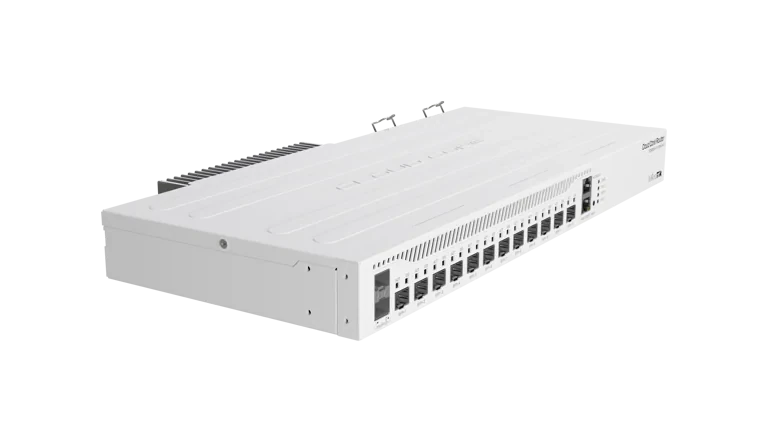
Routing and fiber connectivity for the network architecture.
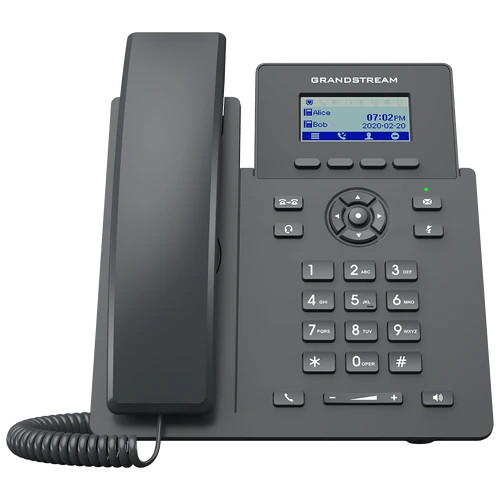
Internal calling and calls through a compatible SIP PBX.
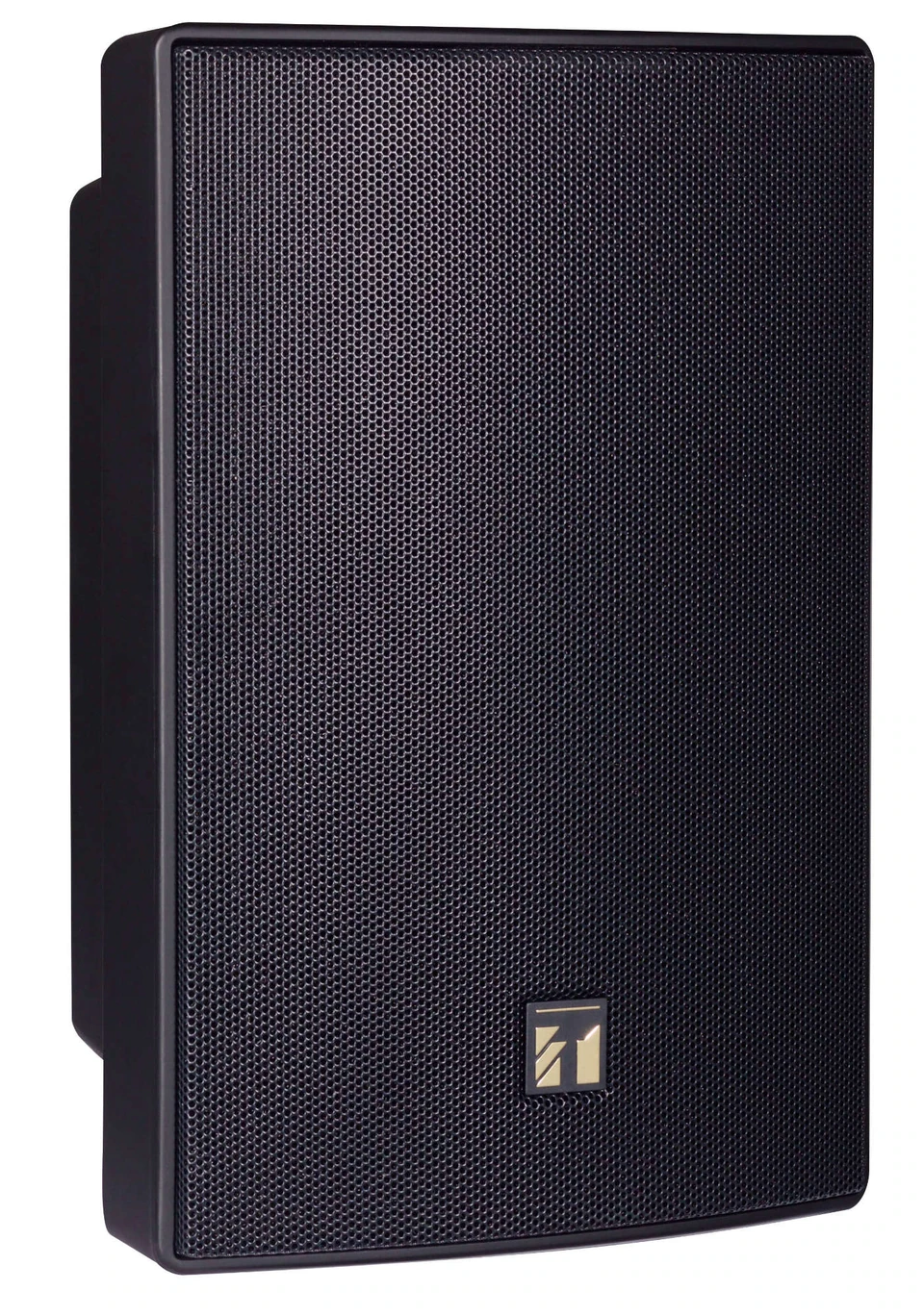
Announcements and background music for each listening zone.
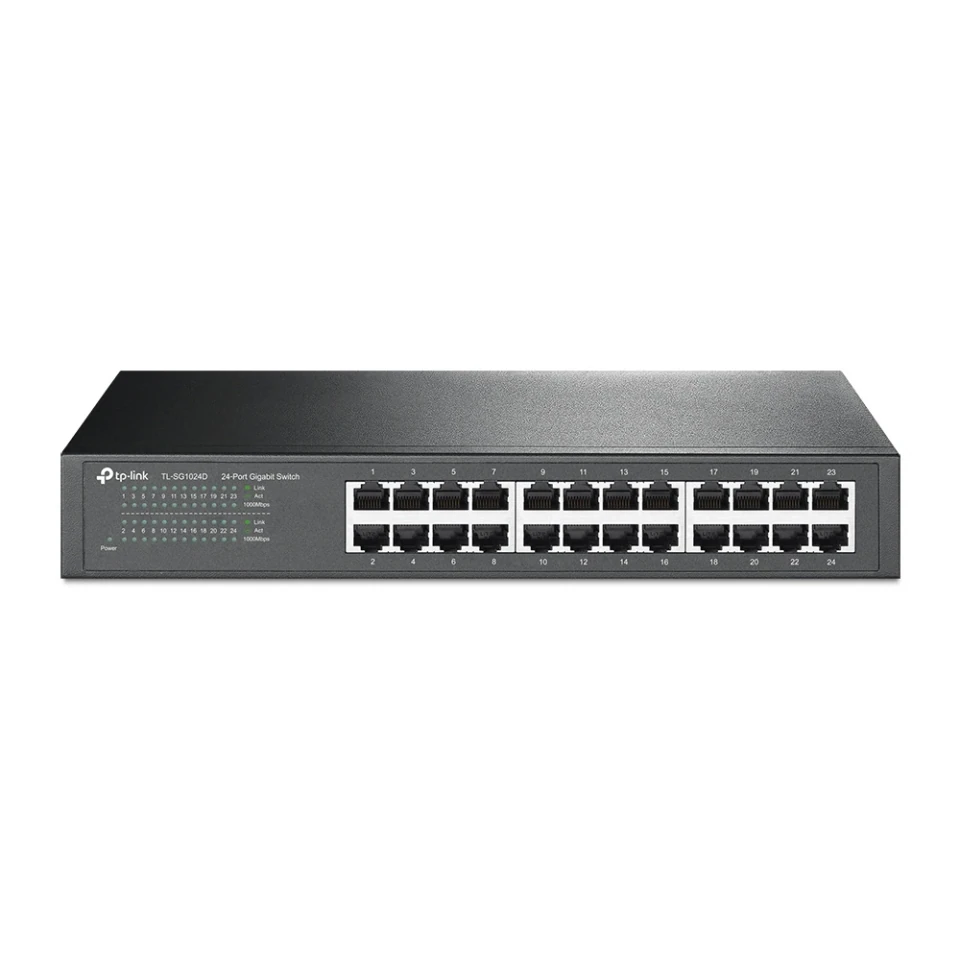
Expand wired Gigabit LAN ports for equipment racks and work areas.
Manufacturer equipment images. Check configurations against the site and existing system.


Search by need, equipment name or model number.
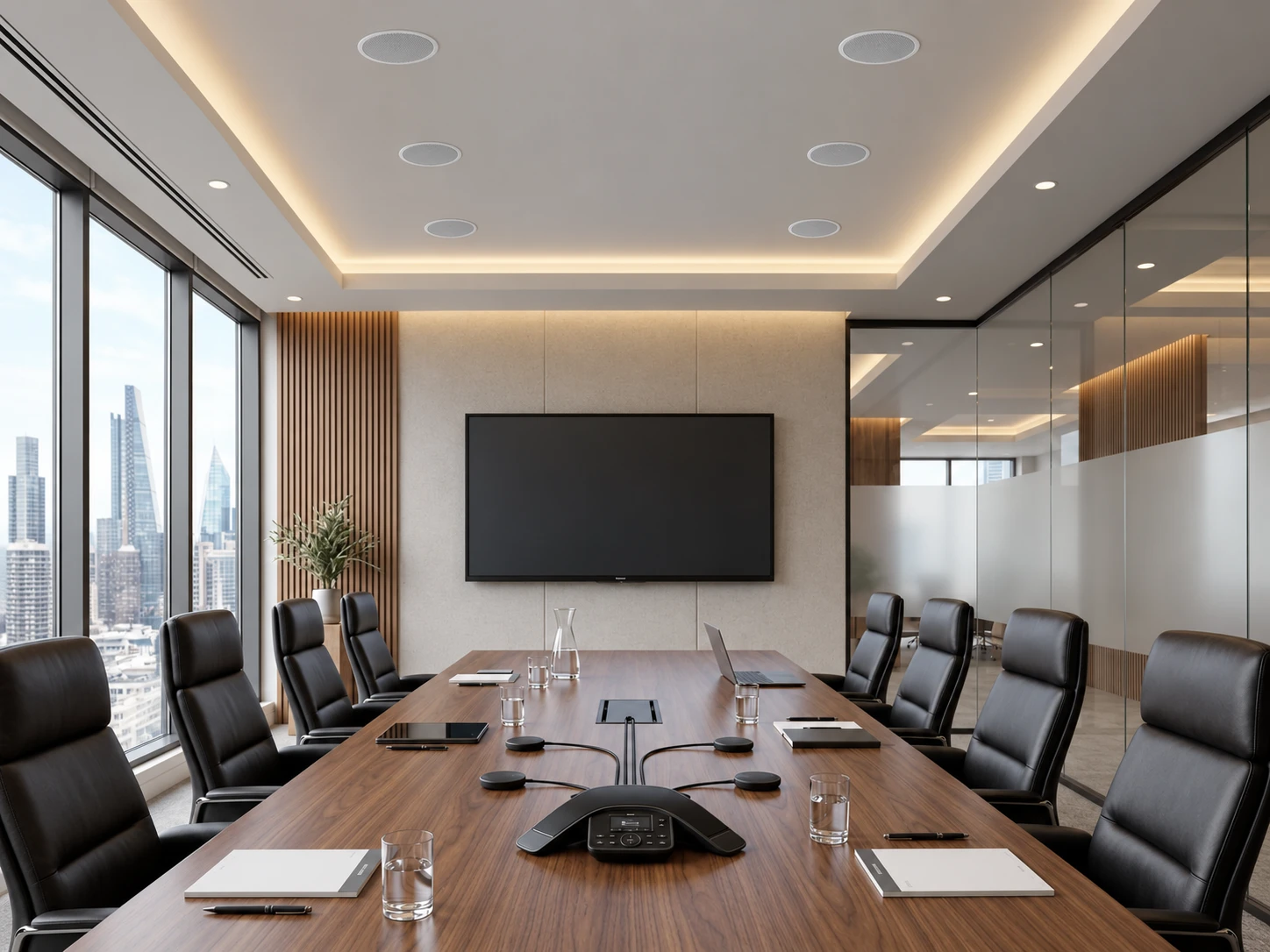
Audio for your spaces and workflows: online meetings, auditoriums and zoned announcements. Clarify signal paths, equipment, speaker loads and listening tests.
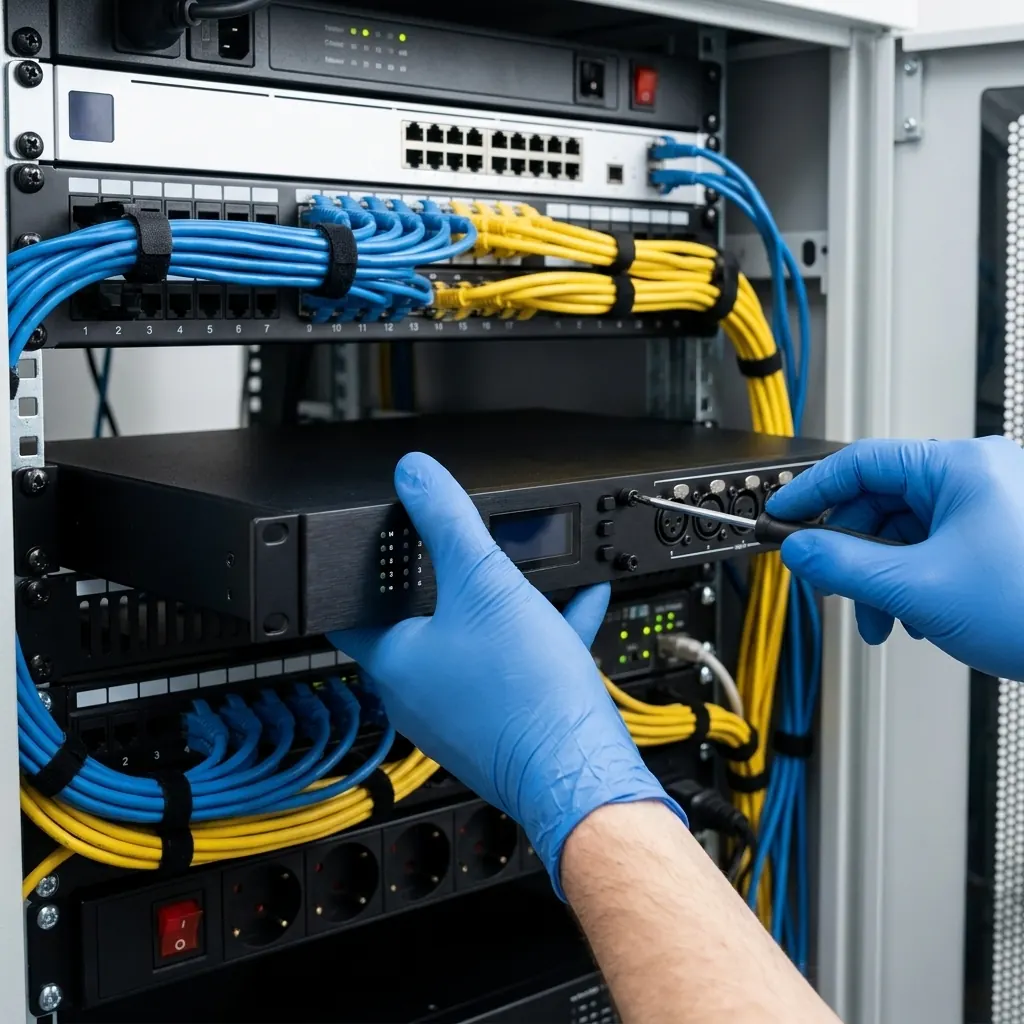
New installation or retrofit: start with meeting use, explain equipment choices and define quotation scope, installation and listening checks.
Updated 2026-10-14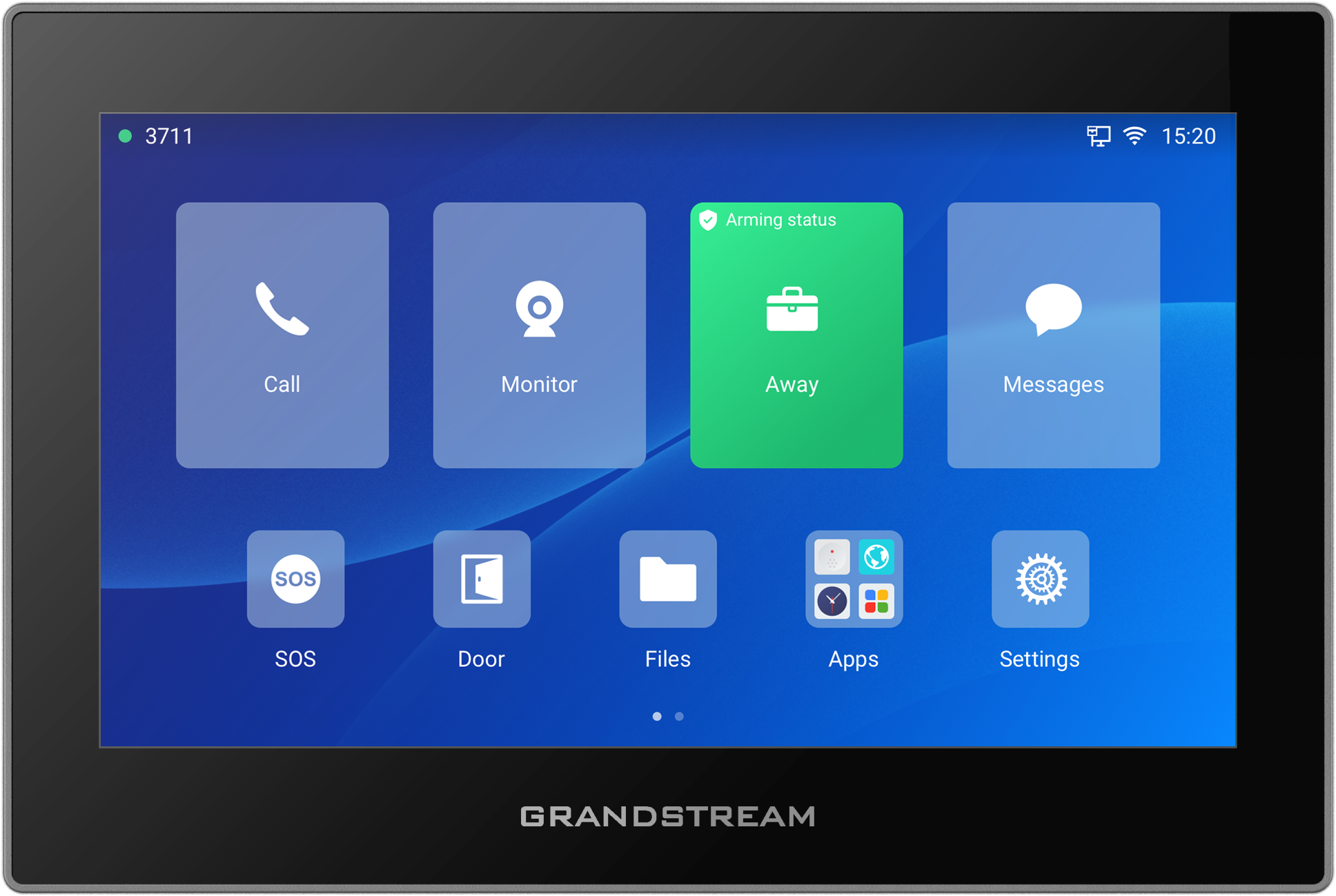
7-inch touchscreen IP control station with Wi-Fi 6, six SIP accounts, eight alarm inputs and two relay outputs.
Updated 2026-11-13
Compare Cisco Secure Firewall and FortiGate against real access flows, protected workloads, management requirements and 36-month costs before selecting a device.
Updated 2026-10-12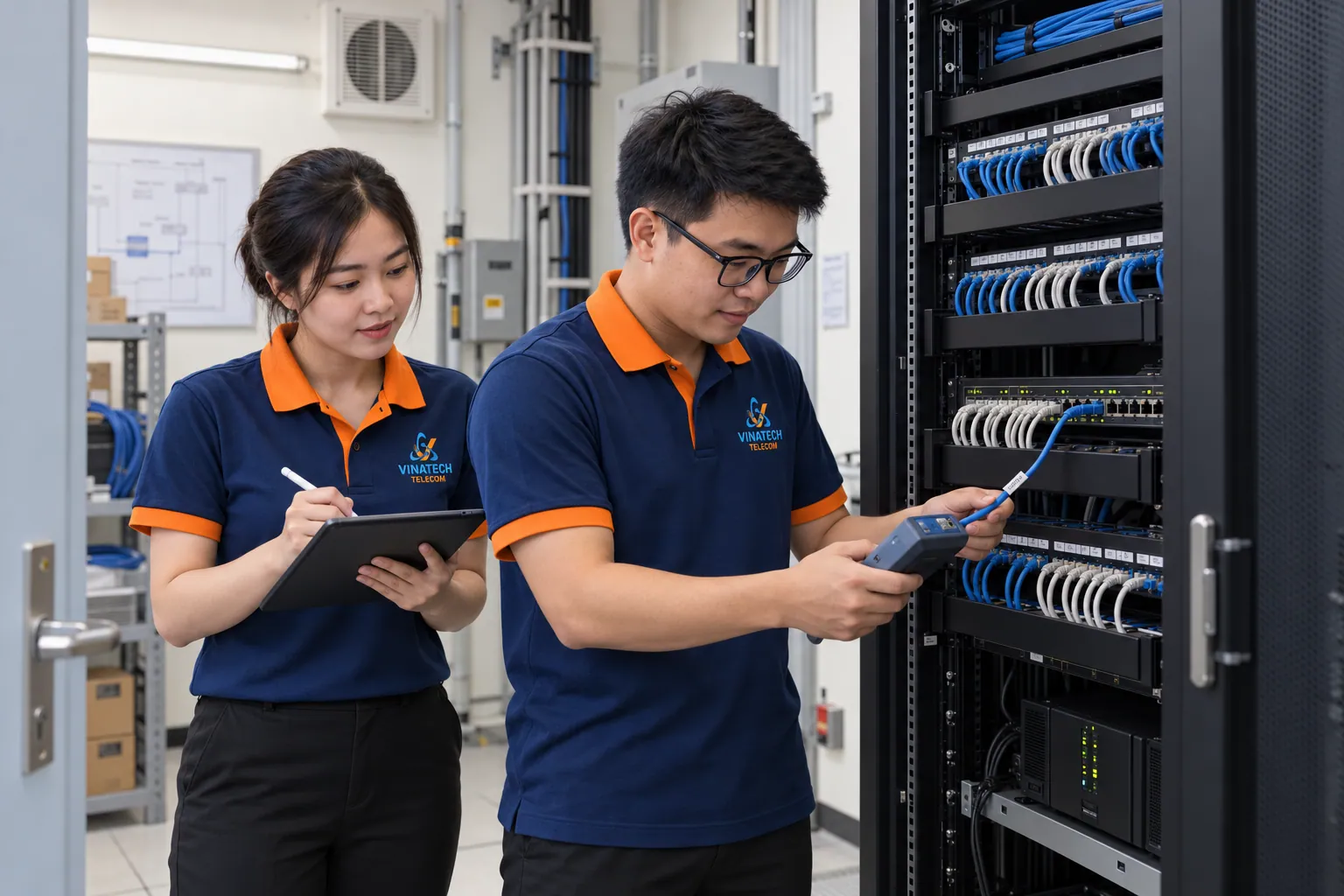
Define network, camera and UPS maintenance checks, change planning and handover records from existing conditions and manufacturer guidance.
Updated 2026-10-25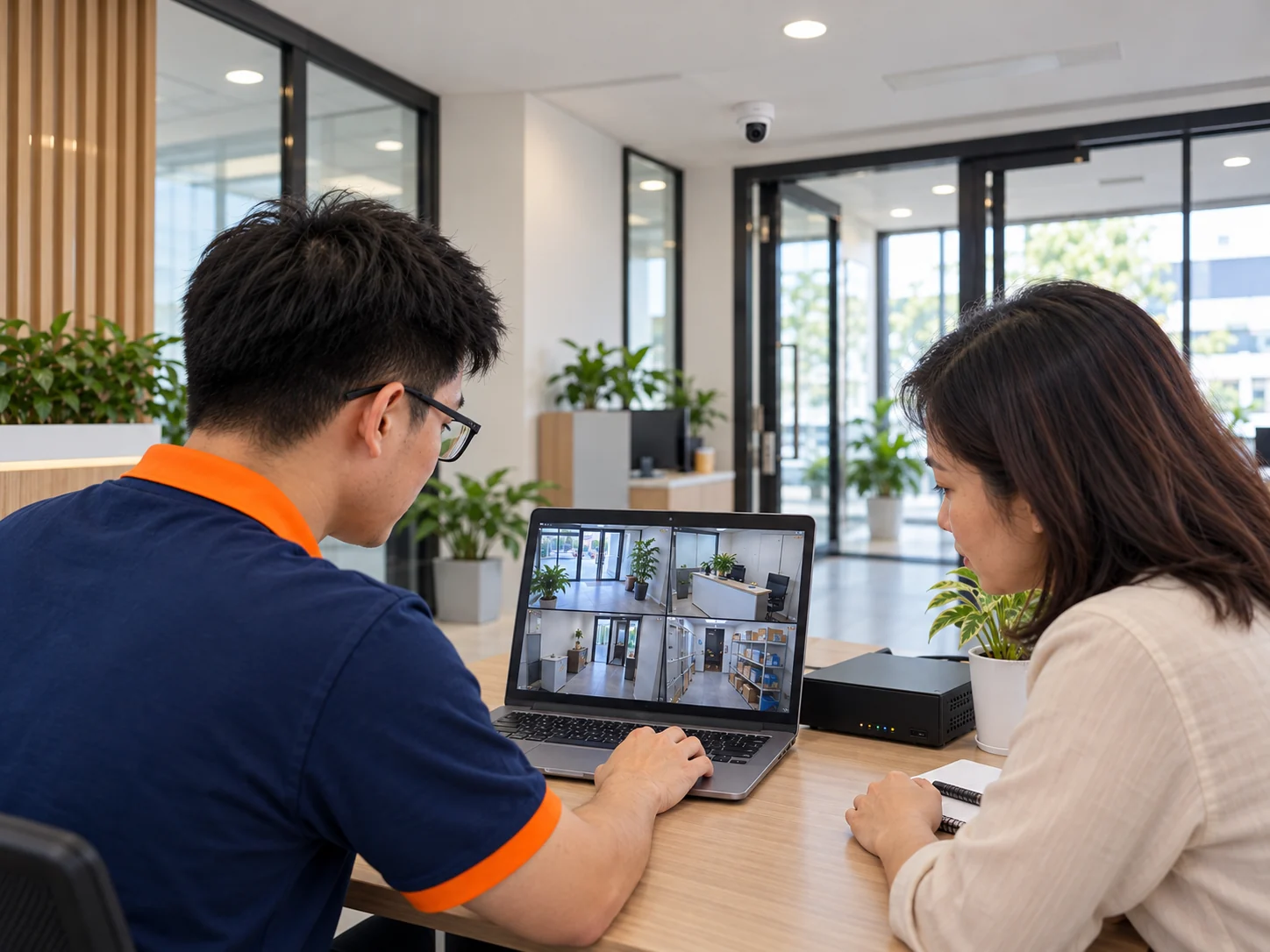
Review viewing areas, select equipment and check playback for the intended use.
No matching content. Try a shorter term or choose All.
Understand before investing
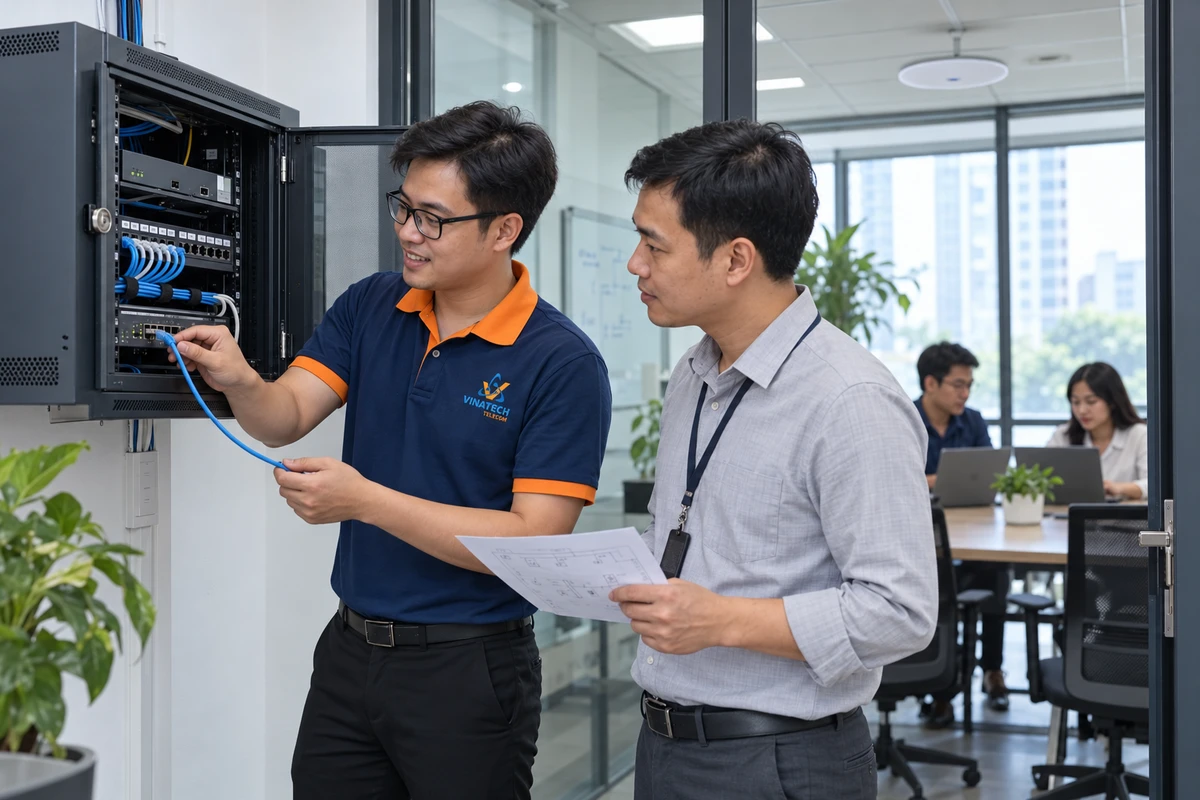
Locate network bottlenecks, decide what to retain or upgrade, compare ownership costs and accept the network through real LAN, WiFi and meeting tasks.
Explore the guideCompare Cisco Secure Firewall and FortiGate against real access flows, protected workloads, management requirements and 36-month costs before selecting a device.
Explore the guide
Calls need to reach the right person, sound clear and have a busy fallback. Survey an IP PBX, test SIP trunks, compare 36-month costs and migrate in stages.
Explore the guide
Choose LoRaWAN around environmental or energy-monitoring tasks; trial measurement points, data delivery, alert ownership and running costs before expansion.
Read guide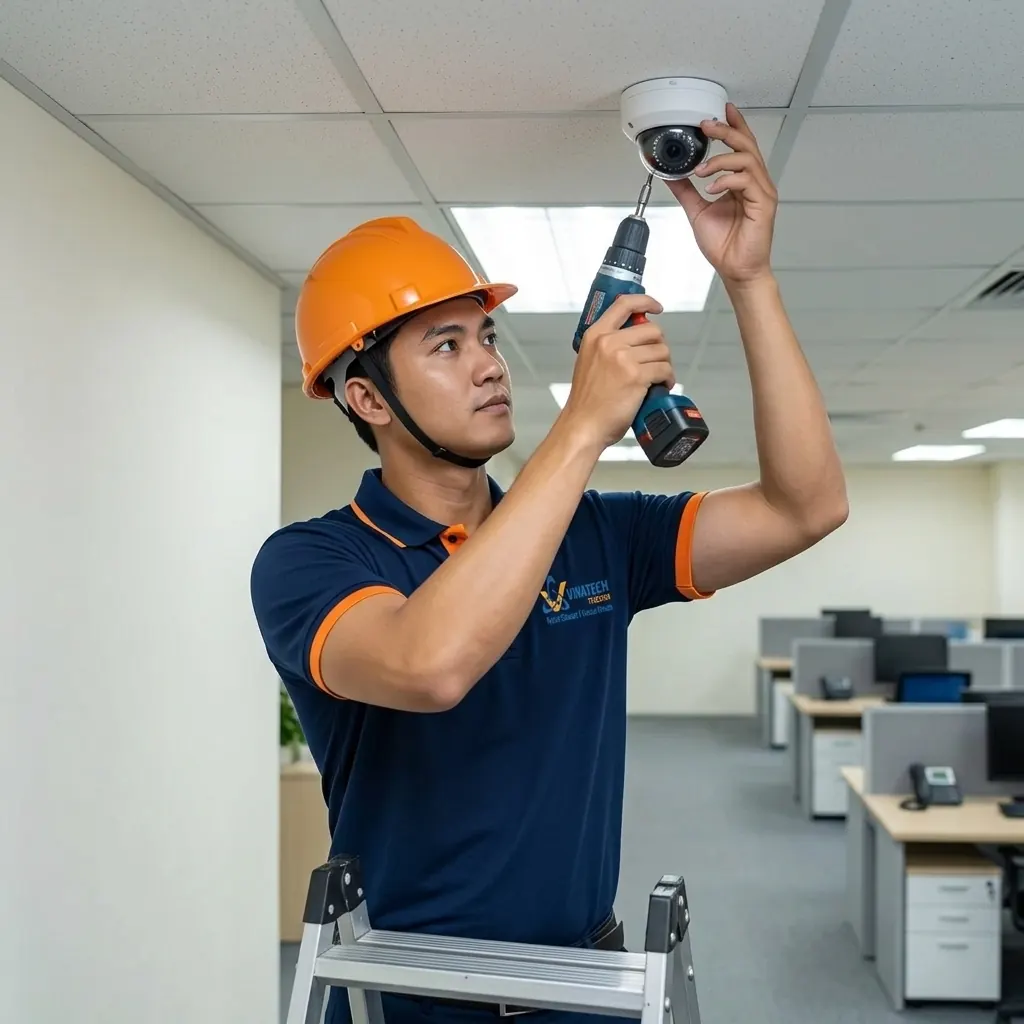
Align viewing angles, backlight handling, storage and playback permissions in one plan.
Watch video
A hypothetical design scenario connecting deliveries, shift entry, incident verification and data, with representative trials and staged investment.
Read guideMatch microphones, speakers and acoustics to how participants speak and join online.
Watch video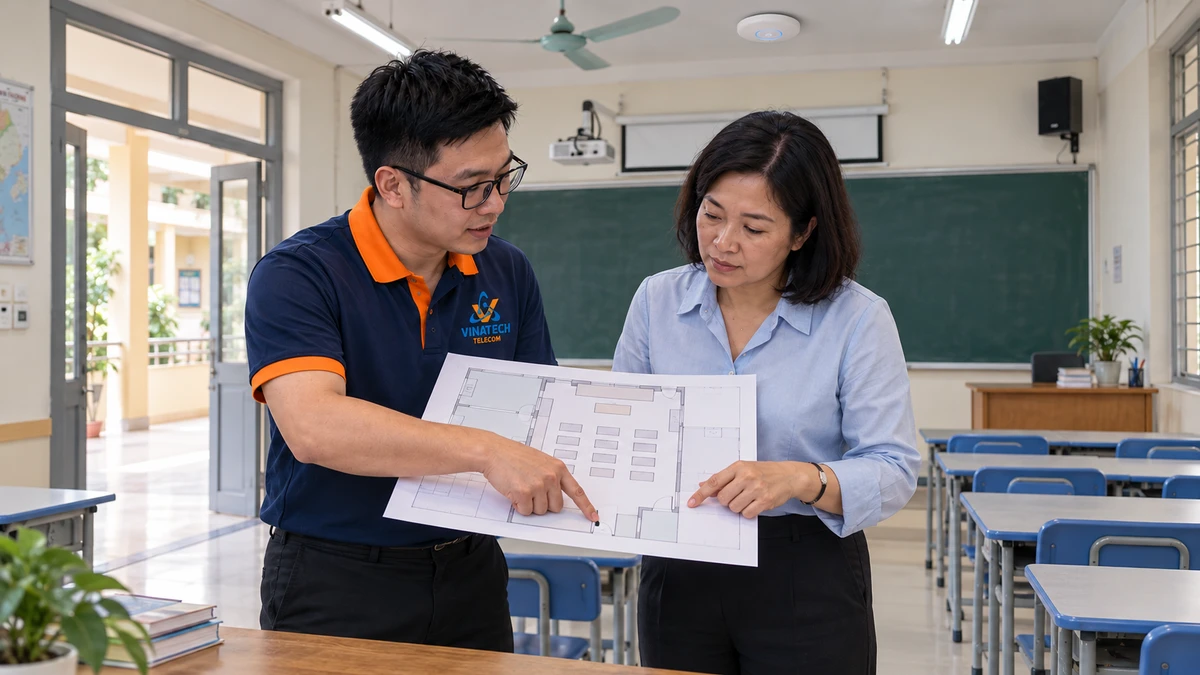
Plan LAN, WiFi, cameras and audio around school activities, with distinct fire-safety responsibilities, survey inputs and handover criteria.
Read guide
Check network maps, configuration backups and operator walkthroughs before sign-off.
Watch videoClarify the next step together
Share the workplace, existing system and your priorities.